Switching to Rundoo
Switch from QuickBooks POS
Intuit discontinued QuickBooks Point of Sale in October 2023, leaving a lot of stores looking for a new home. We've migrated dozens of former QuickBooks POS users to Rundoo, and our parser covers the vast majority of data types in QB's export format.
Why stores switch
What stores switching from QuickBooks POS love
Stores that ran QuickBooks POS for years often didn't realize how much they were working around until they switched. Here's what they tell us after making the move:
A system that's actually built for supply stores. QuickBooks POS was a general-purpose retail tool, which meant a lot of the things paint, hardware, and farm stores need (charge accounts, contractor pricing, tinting integrations, job tracking) were either missing entirely or required clunky workarounds. Rundoo is built from the ground up for stores like yours, so those features are native.
Real support from people who know your industry. QuickBooks support meant navigating phone trees and talking to generalists who had never set foot in a store. At Rundoo, your implementation manager has real experience in supply retail, and when you call support, someone picks up who understands the difference between a pricing tier and a custom price.
Modern tools your team and customers love. If QuickBooks POS felt frozen in 2015, that's because it essentially was. Rundoo runs in a browser, works on tablets and phones, and includes a contractor-facing mobile app that lets your customers check prices, place orders, and pay invoices without calling the store.
Data migration
What we bring over from QuickBooks POS
Our QuickBooks POS parser handles most of the data you've built up in QuickBooks over the years. Here's what we automatically import.
Success stories
Stores that switched from QuickBooks POS
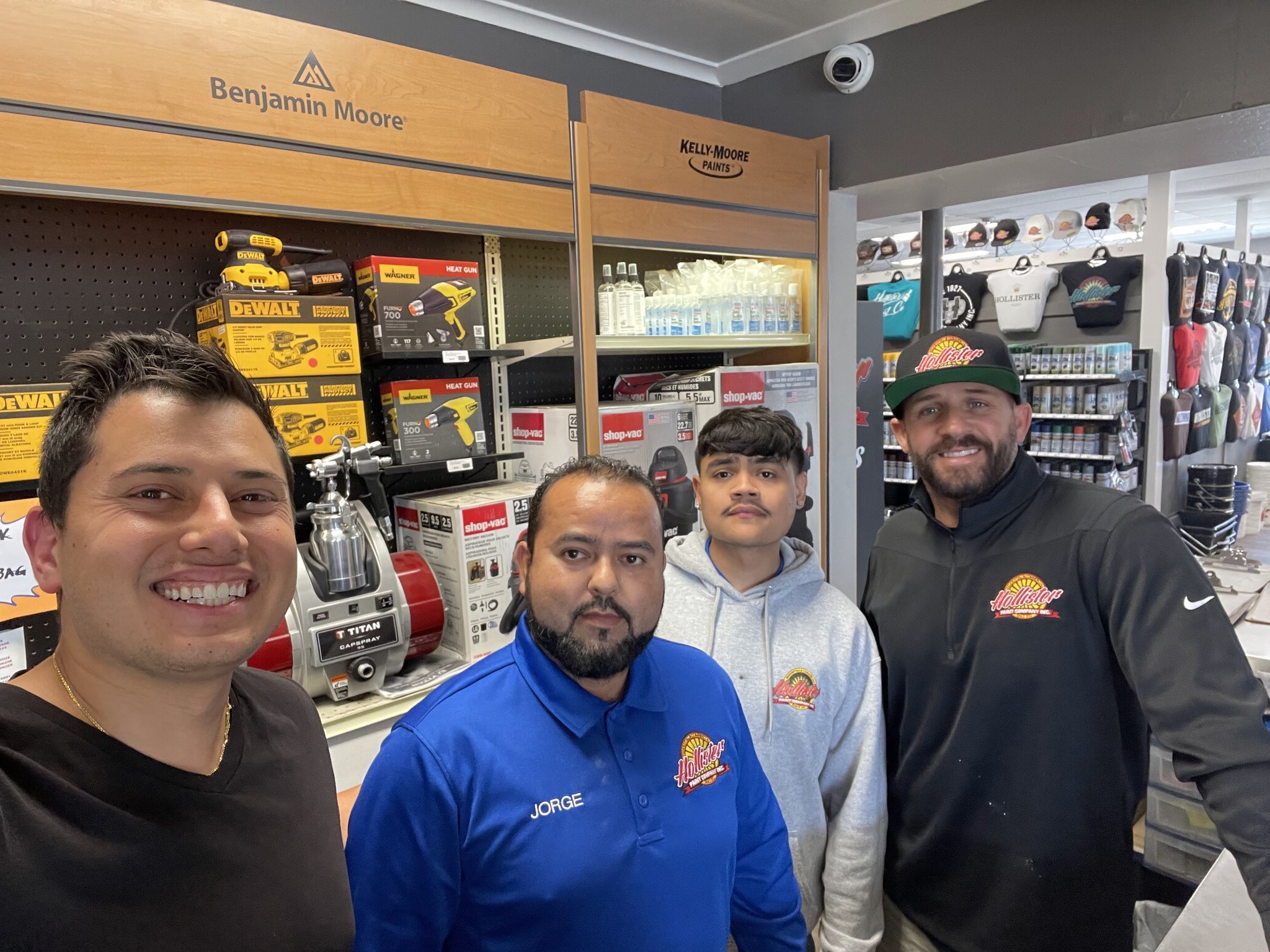
Hollister Paint
Hollister, California
"With QuickBooks Point of Sale shutting down, I explored other options, but none had Rundoo's features."Read their story →
Rundoo is purpose-built for paint stores. See the ROI of switching.
The process
How switching works
You get a person
As soon as you sign, you're paired with a dedicated implementation manager who has real experience working in supply stores.
We migrate your data
Our data team handles the migration, pulling whatever exists from QuickBooks POS into Rundoo. Your implementation manager walks you through reviewing it, and we fine-tune from there.
Training and go-live
Your team gets hands-on training sessions before go-live day, and your implementation manager stays with you through the first weeks to make sure everything runs smoothly.
Want the full story? Read our deep dive on what happens when you switch, or the ROI of switching.
Frequently asked questions
Is Rundoo a good alternative to QuickBooks POS?
How long does it take to switch from QuickBooks POS to Rundoo?
Will my charge balances and accounts come over from QuickBooks POS?
Does Rundoo work with my vendor catalog?
Ready to make the switch?
Book a demo and we'll walk you through exactly what the transition from QuickBooks POS looks like for your store.
