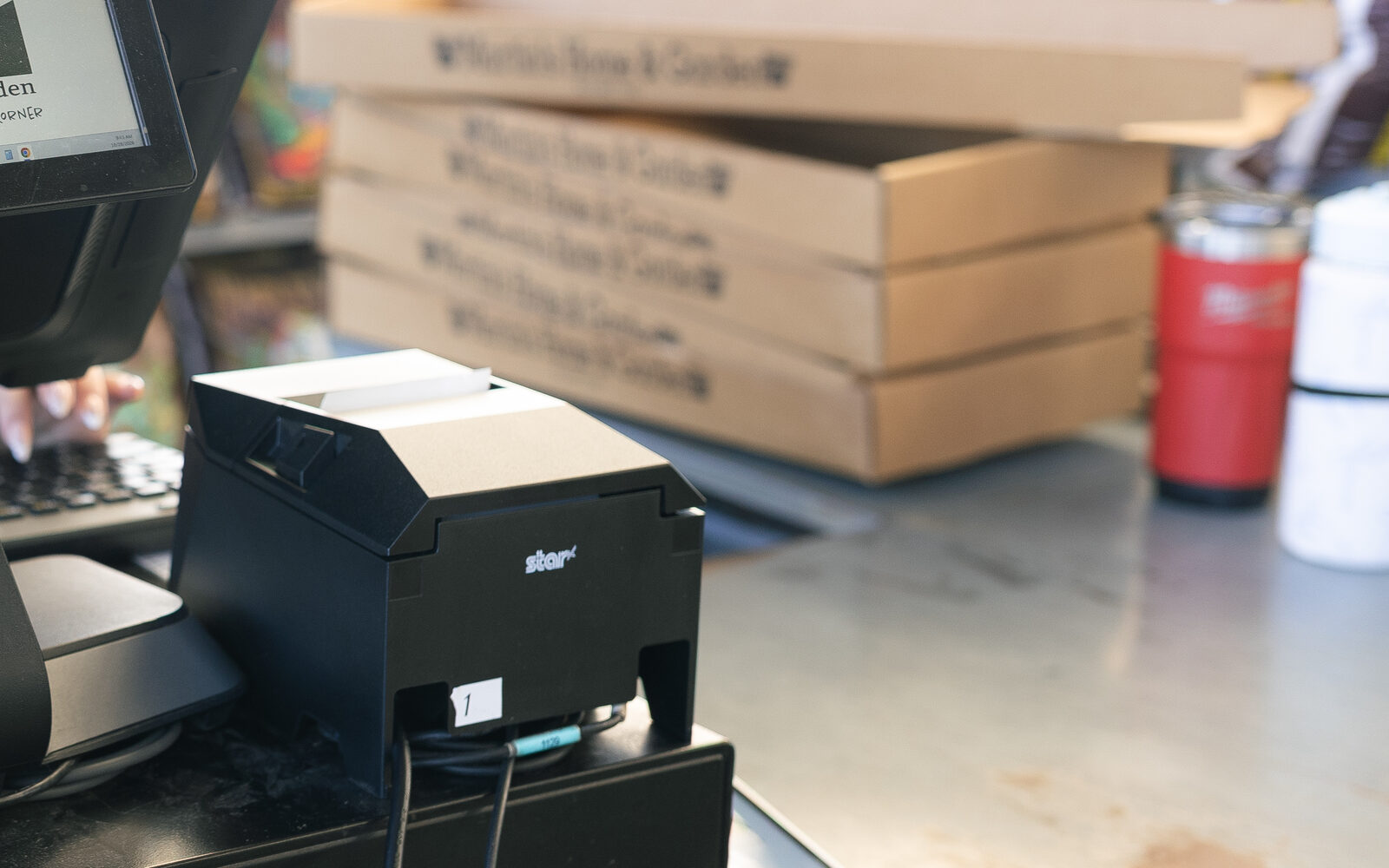
Benjamin Moore dealers run a mix of point-of-sale systems: many are on long-standing installed platforms like Epicor Eagle, plenty of paint-focused stores run Decor Fusion, some smaller shops get by on general-purpose retail software, and a growing number have moved to newer cloud systems, including Rundoo, which is a Benjamin Moore preferred system with a direct integration into Benjamin Moore's ordering, catalog, and tint systems. There is no single official POS for the network of 7,500+ independent Benjamin Moore retailers, so the real question for any dealer is not "which system does everyone use" but "which system handles the things a Benjamin Moore store does every day."
Those things are more specific than "sells paint." A dealer POS has to capture the customer, job, product, and price on every contractor sale so the CCP rebate report builds itself, keep every customer's color formulas so nobody has to bring in an old can, load Benjamin Moore price and cost changes without a weekend of retyping, and send the purchase order back to Benjamin Moore electronically. This guide covers what dealers run, then walks through each of those jobs, and closes with a demo checklist and a plan for switching without missing a rebate period.
What a Benjamin Moore dealer needs from a POS
A paint store is not a general retail store that happens to sell paint. Tinting, the contractor counter, and the Benjamin Moore programs you participate in all put specific demands on your software, and a system that was not built around them leaves your team re-keying data between screens all day.
Tint integration that keeps the formula and the sale together
Tint integrations are where a generic POS shows its true colors. Rundoo integrates directly with Benjamin Moore's COLORx 6 tint system, where the connection runs in both directions: formulas flow from the dispenser into the sale, and Rundoo can hand a past formula back for an exact re-tint. The newer COLORx 7 sends tint transactions straight into the new sale screen. When the formula and the transaction live in the same system, you get fewer mistints, fewer missed charges for tinted product, and no double entry between the bench and the register. Rundoo also lets your team tint from industry-leading color catalogs in the same search bar they use for everything else, so a color name is never more than a few keystrokes away. The tinter-to-register mechanics have their own guide, paint store POS and color matching, so this one sticks to the dealer side.
The Benjamin Moore programs, wired in
Beyond tint, the day-to-day plumbing of a Benjamin Moore dealership runs on the brand's own systems, and this is where our Benjamin Moore partnership does the heavy lifting. Live today in Rundoo:
- Ordering (EDI 850): order directly from Rundoo to Benjamin Moore, no portal in between.
- Shipment notices and invoices: they flow back into Rundoo automatically, and when the truck shows up, you receive the shipment against your original purchase order in a couple of clicks.
- Catalog: Benjamin Moore product images, descriptions, and other information load in automatically on a UPC match, and price and cost changes wait for your review before they apply.
- CCP (Benjamin Moore's Contractor & Commercial Pricing program): Rundoo sends your CCP sales data to Benjamin Moore automatically on a daily, weekly, or monthly schedule.
- Contractor Rewards: Rundoo submits qualifying sales nightly for customers with a PAX ID, and staff can invite a painter who is not enrolled yet right from the sale.
- New Entrepreneur Program (NEP): if you are opening a store through Benjamin Moore's NEP, Rundoo is ready from day one with full integration support.
Contractor charge accounts that pay for themselves
Most of a paint store's volume walks in wearing work boots, so charge accounts are not a nice-to-have, they are the business. Rundoo builds contractor charge accounts, per-customer pricing, and statements into the core system, so painters get the right price at the counter and pay from a link on their statement, and stores on Rundoo have cut outstanding accounts receivable by 25%, a number we unpack in the ROI of switching. If your current system treats house accounts as an afterthought, the gap shows up as aging receivables and awkward phone calls.
CCP reporting without the month-end spreadsheet
Benjamin Moore's Contractor & Commercial Pricing program, CCP to everyone behind the counter, pays the dealer a rebate on qualifying contractor and commercial sales, and the dealer earns it by reporting those sales back to Benjamin Moore. You know the program terms better than any software vendor does, and your Benjamin Moore rep owns the rate questions, so the POS question is narrower: does the report build itself from what happened at the register, or does somebody rebuild it from receipts every month?
The answer is decided at the moment of sale, not at month end. A rebate report can only include what the ticket recorded, and point-of-sale vendors that automate the report describe pulling fields such as the outlet number, the customer ID, the receipt, the UPC, the quantity, the selling price, and the job (Celerant's Benjamin Moore page lists several of them). If your counter rings a painter's five gallons as a cash sale to "contractor" with no job attached, no software on earth will turn that into a clean CCP line later, which is how rebates slip through the cracks one ticket at a time.
So the software has to make the right data the easy path. In Rundoo the contractor is a customer with their own pricing and charge account, jobs sit under the account, and the sale carries the product, the price, and the customer from the start, so the CCP data is already there when the schedule runs. You choose daily, weekly, or monthly once, and Rundoo sends the CCP sales data to Benjamin Moore on that schedule from then on. The same customer record drives contractor price levels at the counter, so the price that earned the rebate and the price on the painter's statement are the same number.
Formula history, and what happens to it when you switch
A painter who calls in "the same gray as the Hendersons' hallway" is testing your formula history, and a dealer who passes that test keeps the account. The standard to hold any system to is that the customer never needs to bring in a can lid. In Rundoo every tint saves its formula to the sale and to the customer's purchase history, so a color sold two years ago is a lookup at the counter, and it can go back to COLORx for an exact re-dispense. Stores that also sell PPG, Sherwin-Williams, Dunn-Edwards, or Kelly Moore colors can keep those on the sale too, through cross-brand color references and freeform formula entry, so the second line in your store does not live on index cards.
Switching is where dealers worry about formulas most, and the first step is finding out where yours live today. Some stores keep them in the POS on the customer's past sales, some keep them in the tint software, and some still keep the important ones on lids and in a recipe box behind the counter. Rundoo's Decor Fusion parser was one of the first it built, and the standard pull brings over your products, customers, sales history, jobs, vendors, inventory, pricing tiers, custom pricing, and customer balances with their detailed aging. Your retail tint formulas, the colorant recipes themselves, come across with that history, and so do your COLORx formula numbers (the CF numbers starting with 9999) if you ran Decor Cloud, which the COLORx integration requires; a store on Decor on-prem never had CF numbers, so it brings the recipes without them. After go-live, past tints sit on the customer record with their formulas attached, ready to send back to COLORx. Hand your implementation manager anything that lives only on lids or index cards, and during the unveiling, your first look at your own data in Rundoo, pull up five of your best contractors and their recent jobs to confirm the history you rely on came along. Our data migration guide covers what transfers and how it gets verified.
Price files and purchase orders
Benjamin Moore changes prices, your contractor tiers are built on cost, and the gap between a price change landing and your system knowing about it is where margin leaks. The first test is whether a cost change reaches the item without retyping, and the second is whether you get to see it before it changes the shelf price. In Rundoo you import Benjamin Moore products into the catalog, review the price and cost changes, and apply them in bulk when you are ready, which turns a price increase from a weekend project into a coffee-length one. If you build contractor tiers from cost at a target margin, as our price levels guide recommends, those tiers follow the new cost instead of quietly shrinking.
Sundries come from distributors rather than the manufacturer, so the same question applies to them. Rundoo integrates natively with vendors and buying groups including Orgill, Emery Jensen, AllPro, House Hasson, Blish-Mize, and Lancaster as well as Benjamin Moore, and builds new vendor catalogs into the platform regularly. On the way back out, purchase orders go to Benjamin Moore by EDI, shipment notices and invoices flow back into Rundoo automatically, and Dooey can use your sales and inventory to build a draft Benjamin Moore order for your team to review and approve. The document names behind that exchange are explained in our EDI guide.
What Benjamin Moore dealers run, compared
No system wins every row here, and a dealer who is happy with their tint workflow and their support experience has a perfectly good reason to stay put. The comparison looks like this:
| System | Where it fits a Benjamin Moore store | Trade-off |
|---|---|---|
| Rundoo | Dealers who want COLORx tint integration, EDI 850 ordering, catalog sync, and automatic CCP and Contractor Rewards submission in the same system as the register and the contractor book. | A newer cloud platform, so you take on a migration off software your team already knows. |
| Decor Fusion / Decor Cloud | Paint stores that want software written for the category and are happy with how it handles the bench today. | An interface that looks and feels like a desktop product from an earlier era, and the most common system dealers tell us they left. |
| Epicor Eagle | Established dealers whose staff know its workflows cold, and stores that span paint plus a deep hardware aisle. | Server-based and tethered to its machines, with support costs stores describe as expensive. |
| QuickBooks POS or general retail software | Small stores where most sales end at the card reader and the contractor book is short. | Tinting, the Benjamin Moore programs, and monthly statements all become manual work outside the system. |
What Benjamin Moore dealers are switching from
Our own client stories sketch the landscape pretty clearly. Among the Benjamin Moore dealers who have switched to Rundoo, Decor Fusion is the most common previous system by a wide margin: Clements Paint in Austin, Drake's Paint in Medford, King's Paint and Paper in Capitola, Sonoma Paint Center, Stevens Paint and Blinds in Corning, and Westerly & Mystic Paints in Stonington all came from Decor Fusion, and we keep a dedicated Decor Fusion switching guide for dealers weighing the same move. Others ran their stores on QuickBooks POS, like Colors Inc in Durango, Colorado and Hollister Paint in California, and because stores stretch both QuickBooks products into counter duty we keep separate guides for moving off QuickBooks POS and off QuickBooks Desktop, which are different products with different exports. Some newer stores opened without any POS at all. The pattern across all of them is the same: the old system handled the register but not the tint machine, the Benjamin Moore programs, or the contractor book, so the owner was gluing it together by hand.
Why "preferred system" matters
Rundoo is a Benjamin Moore preferred system, which means your Benjamin Moore territory manager can point stores to us and you get co-marketing support from the brand your contractors already trust. Benjamin Moore's CIO put it this way when we announced the partnership:
"I'm super excited about this partnership, taking a premium paint company like Benjamin Moore, 142 years in the business, and partnering with such a great point of sale company in Rundoo; the sky is the limit."
That is Glenn Pinnel, Chief Information Officer at Benjamin Moore, and the partnership he is describing is exactly what shows up in your store as catalog syncing, electronic ordering, and tint system connections that work on day one.
A demo checklist for Benjamin Moore dealers
Any vendor will say yes to "do you support CCP," so skip the yes-or-no questions and make the system do the work in front of you. Bring a real contractor, a real job, and a real price change to the demo, and run these:
- Ring a contractor sale on a job. Charge five gallons of a tinted base to a painter's account under a named job, and then ask the rep to show you where the customer, the job, the UPC, the quantity, and the price charged sit on that ticket, because that is the CCP line before it is ever reported.
- Show the CCP schedule. Ask where the report is set to send, how often, and what happens to a sale that was rung before the customer's account was set up.
- Send a tint and bring it back. Send a color from COLORx to the sale, finish the sale, then find that color again from the customer's history and send it back to the dispenser.
- Enter a color from another brand. If you carry a second line, enter one of its formulas and confirm it saves on the sale like a Benjamin Moore color does.
- Apply a price change. Load a Benjamin Moore cost change, review it before it applies, and watch what happens to the contractor price on that item.
- Send a purchase order and receive it. Build an order to Benjamin Moore, send it electronically, and receive it against the purchase order without rekeying the lines.
- Submit a Contractor Rewards sale. Ring a sale for an enrolled painter, and ask how a painter who is not enrolled yet gets invited.
- Print a statement. Pull the month-end statement for the contractor from step one and check that it shows the job and that the balance matches the sale.
A system that handles those eight on your own data will handle the store, and one that needs "a quick workaround" for three of them will need it every day after you sign.
Switching without missing a rebate period
The worry dealers raise most about switching is not the register but the programs, specifically a CCP period or a run of Contractor Rewards submissions falling into the gap between the old system and the new one. The way to close that gap is to treat the programs as part of the migration rather than something to sort out after go-live. Rundoo's switch process starts with you telling the team which Benjamin Moore programs and accounts each location uses, then the team handles the Rundoo-side connections and guides you through anything needed from Benjamin Moore, so the CCP schedule, Contractor Rewards, and EDI ordering are set up before your first day rather than discovered on it.
On your side, three habits keep the period clean. Send the last CCP report from your old system for every sale rung on it, before you stop using it. Make sure your contractor accounts, jobs, pricing tiers, and balances are checked during the unveiling, because those are what the first CCP report from Rundoo will be built on. And keep the store exactly as it was on day one, with the same prices, tiers, and account names, because on day 1 you should change nothing. A typical switch takes three to six weeks with a dedicated implementation manager, and our switching timeline guide walks through each week, including the overnight final data pull that lets you close on the old system and open on the new one.
So, what should a Benjamin Moore dealer choose?
Dealers use many systems, and the right one is whichever keeps your tint machine, your Benjamin Moore programs, and your contractor accounts in one place instead of three. If you want to see what that looks like for a store like yours, our paint industry page walks through the whole counter-to-bench workflow, and we are always happy to show you a demo that holds its finish.