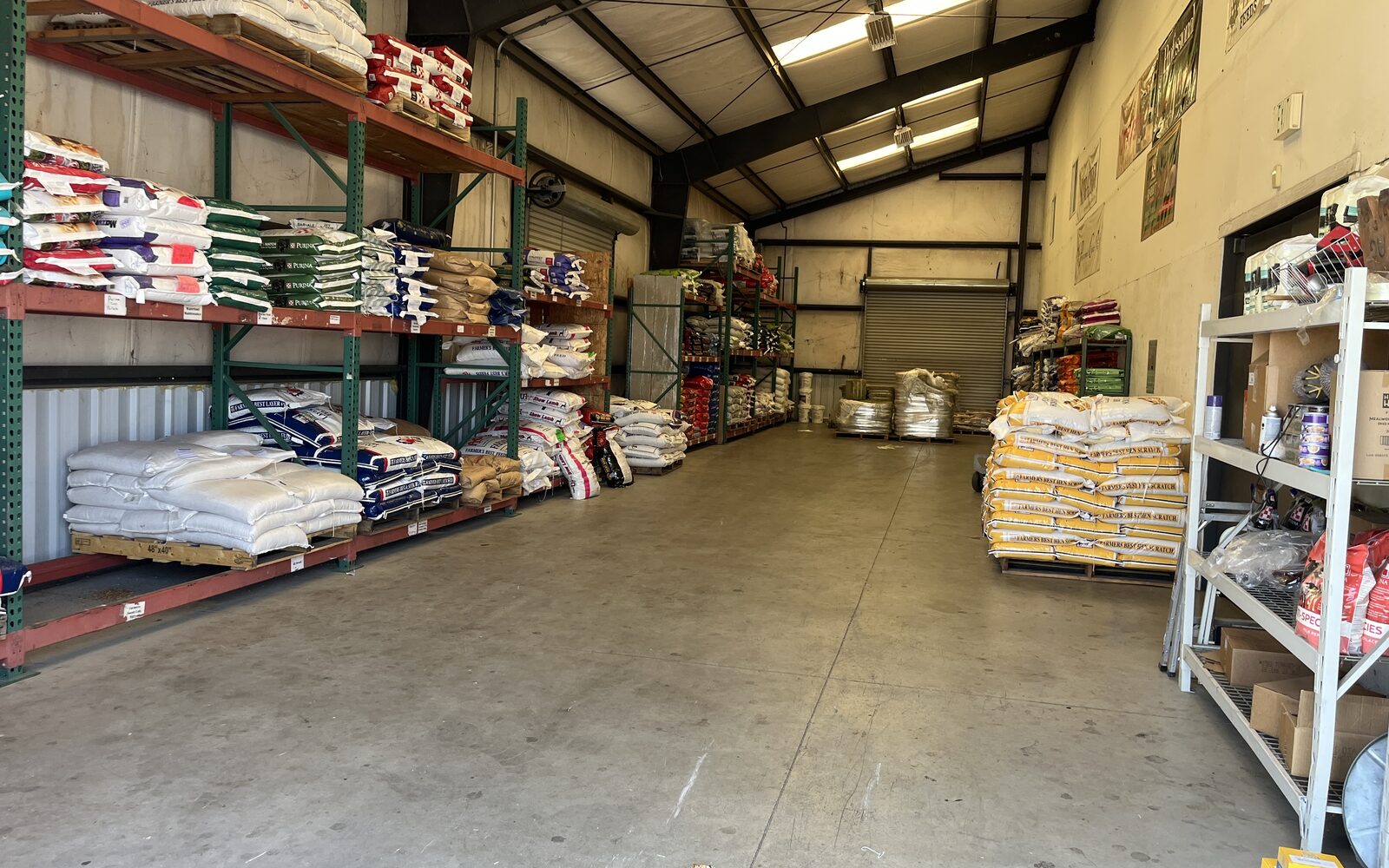
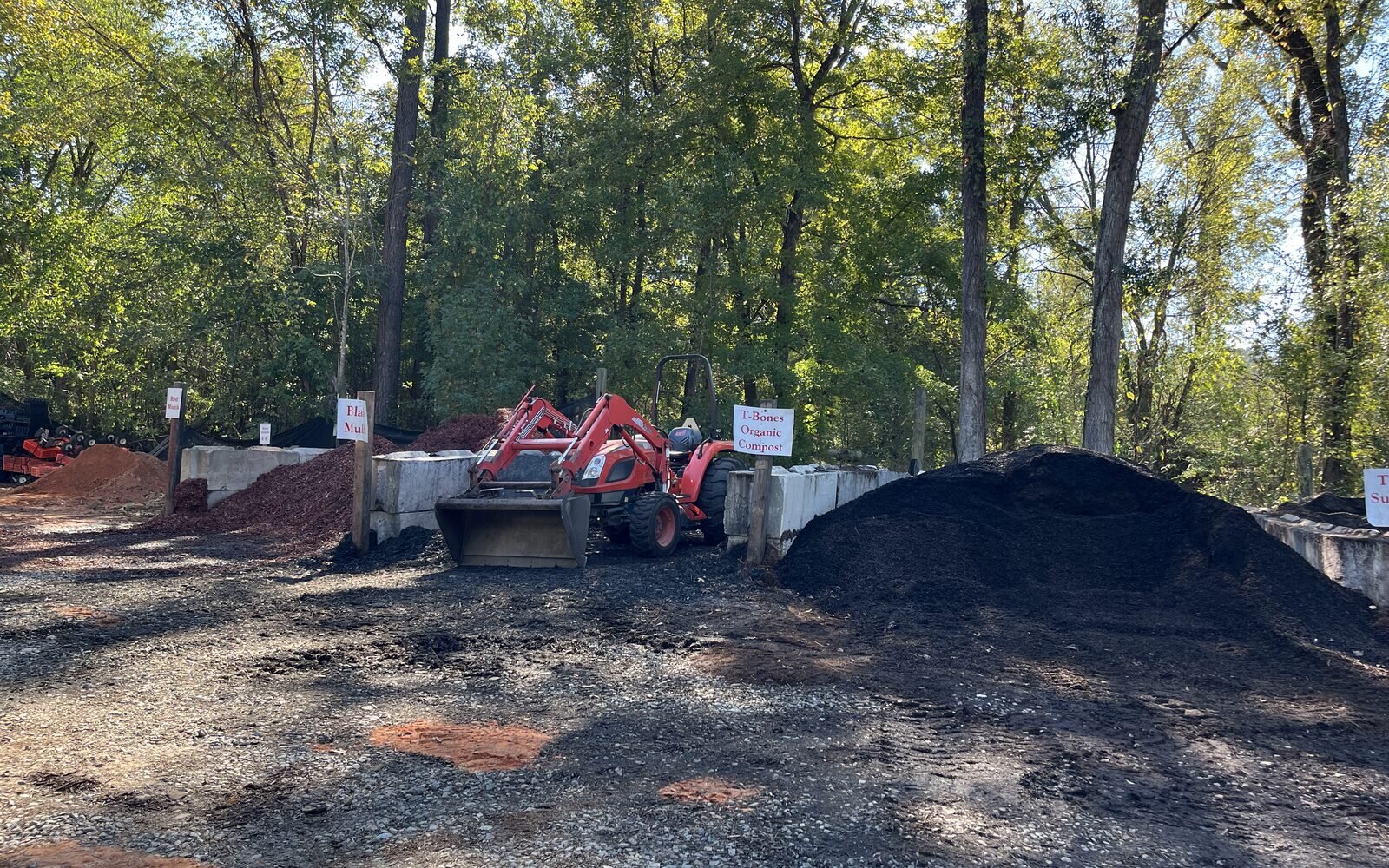
A garden center POS handles landscaper accounts well when one customer account carries the credit limit and terms, a trade price level that applies to a 1-gallon shrub and to bulk sold by the yard or ton, a job reference on every ticket, the tax status that fits what the crew does with the material, and a monthly statement with aging, all without a second spreadsheet on the side. To see what that looks like at the counter, follow one three-truck landscape company through a season at your yard, from the account application in March to the statement that goes out in October.
Opening the account in March
The crew walks in before the season starts because they want to charge material and pay on a statement, and everything that happens later depends on what you set up that morning. Every account starts with a written credit application, and on the account you record the credit limit, the terms (Net 30 is common), and the trade price level the crew has earned. You also keep an authorized-buyer list on the account, so when the owner sends a new laborer to the counter in May, your cashier can see in two seconds whether that name is allowed to charge, and you require a PO or job reference on each sale so every ticket ties back to a property the crew can bill.
The piece most paper systems miss is jobs. In a POS that handles trade accounts properly, each property the crew works becomes a job under the parent account, and each job can carry its own pricing and its own credit limit capped at the parent's. That cap matters more than it sounds, because one big hardscape install cannot quietly consume the crew's whole line while their maintenance accounts pile up behind it. The mechanics of applications, limits and terms are in our guide to house accounts, statements, aging and finance charges, so this page sticks to what changes for a landscaper: all of it lives on one customer account, and nothing depends on a notebook in the office.
One price level, many units of measure
A landscaper's ticket rarely looks like a homeowner's, because the same account buys a flat of annuals, a 1-gallon shrub and three yards of hardwood mulch in one stop, and the trade price level has to hold across all of it. The level follows the account rather than the item, so the crew gets its pricing whether they buy by the each, the flat or the cubic yard.
The sturdier way to build that level is from cost at a target margin rather than a flat percent off retail, because a percent off retail erodes the moment your costs rise and nobody updates the shelf price. Take a 1-gallon boxwood that costs you $6.50 and retails at $14.99: at a 40% margin target the trade price is cost divided by one minus the margin, so $6.50 / 0.60 = $10.83, and the crew saves about four dollars a plant while you keep your margin. Bulk works the same way, so a cubic yard of hardwood mulch that costs $18.00 and retails at $42.00 comes out to $18.00 / 0.55 = $32.73 a yard at a 45% margin target. If mulch cost climbs to $22.00 on your next load, a cost-based tier recalculates to $40.00 a yard, while "20% off retail" keeps shrinking your margin until someone notices in August.
One wrinkle to check on any system: bagged mulch and bulk mulch are two items, not one item with a unit question, and partial amounts like 1.75 yards have to ring exactly as typed, because nobody's loader drops precisely two yards. The tier math is in customer price levels and contractor pricing, and flats, yards, tons and the fractions between are covered in selling by the flat, yard and ton.
The job ticket: jobs, will-call and delivered loads
By June the crew is running three properties, and each one is a job under their account, so a ticket for the Henderson backyard never mingles with the office park across town. Every sale carries the job reference, which is what lets the crew invoice its own clients without a shoebox of receipts on the dashboard.
Two kinds of tickets show up all summer. The first is will-call: the foreman phones or orders ahead, pays in advance or charges it to the account, and your team pulls and stages the material before the truck arrives, so the crew loads and leaves instead of waiting while someone hunts for flats. The second is the delivered load. Say the crew needs 4.5 yards of mulch at the Henderson job on Thursday: the sale gets written at the counter, the partial yardage rings as typed, the delivery is scheduled from that sale, and the delivery fee sits on its own line so the crew can pass it through to their client cleanly. Fees and surcharges have their own quirks, covered in delivery fees and fuel surcharges, and if your yard sells by weight off a scale, the ticket flow is in scale tickets for bulk material yards. When the foreman is not sure whether the beds need four yards or five, point him at the mulch and topsoil calculator or the cubic yard calculator before the truck rolls, because a second delivery fee is nobody's favorite line item.
Installs versus resells: the tax question on a landscaper's ticket
Here is where landscaper accounts get tricky, and where a lot of paper systems quietly get it wrong. Many states treat a contractor who installs materials into real property as the consumer of those materials rather than a reseller, which means a landscaper's resale certificate can be valid for some purchases and invalid for others, depending on the state and on how the crew writes its contract with the property owner. The mulch the crew spreads in a client's beds and a pallet of pavers it resells to that client under an itemized contract can land on different sides of the line, even on the same day.
The habits that protect you are the same everywhere. Take certificates complete, with every field filled in. Check that the purchase fits the buyer's business, since a resale certificate on a case of shop towels should raise an eyebrow. Verify the number where your state offers a lookup, and keep the certificate somewhere an auditor can find it, which these days means attached to the customer account rather than in a filing cabinet behind the fertilizer. The full rundown is in our guide to resale and tax exemption certificates for contractors, and your tax advisor owns the state-by-state calls. What your POS owes you is a way to mark one job exempt and another taxable on the same account, without making the crew open a second account to do it.
Statements and aging before the off-season
Come September, the season's tickets have stacked up into balances, and this is the month that decides your winter. A landscaper who pays slowly in October may be short on work and cash by January, so the time to work the aging report is September, not February, when the money has gone cold. Run the report, see who is drifting past terms, apply the finance charges your account terms spell out, and get on the phone while the crew still has fall cleanups billing.
Statements should go out on a set day each month, by email where the customer will take them, with every ticket shown by job so the crew can reconcile against its own invoicing. A statement is also your best collection tool when it doubles as a way to pay, because a landscaper catching up on a Sunday night will pay the balance right then if you make it easy, while a statement they have to call about tends to wait until spring. The broader rhythm of a bulk yard's season, including how account business ebbs and flows, is in our guide to how a landscape supply yard runs.
Where the receivables live when the books are in QuickBooks
If your books are in QuickBooks, ask one question before anything else: where do the receivables live? "Syncs with QuickBooks" can mean per-sale invoices pushed over one at a time, a nightly summary journal, or a file your bookkeeper imports by hand, and those are very different animals. For a store carrying charge accounts, you want per-customer balances and aging to live in the POS, where the cashier sees the balance at the counter and the statement run happens in the same place as the tickets, with QuickBooks receiving a clean summary instead of a flood of invoices it cannot age properly. The full comparison is in POS that syncs with QuickBooks Online, and it is worth reading before any demo, because this is the question vendors most like to answer vaguely.
Six demo tests for any garden center POS
Bring this table to the demo and ask the vendor to do each step live, on their screen, with your numbers.
| Test | What to ask the vendor to do live | What a pass looks like |
|---|---|---|
| Open the account | Create a landscaper account with a credit limit, Net 30 terms and an authorized-buyer list, then charge a sale that goes over the limit | The register blocks the charge, and the cashier can see who may charge |
| One tier, many units | Apply the trade level to a 1-gallon shrub and a yard of mulch on the same ticket | Both lines price from the account's tier, bulk line included, with no manual discount |
| Partial yardage | Sell 1.75 yards of mulch | The quantity rings as 1.75 at the per-yard price, not rounded and not split into two lines |
| Jobs and tax | Add two jobs under the account, mark one tax exempt, and write a sale against each | Each ticket shows its job, and only the exempt job's sale goes untaxed |
| Delivered load | Schedule a delivery of 4.5 yards from the sale, with the delivery fee on its own line | The delivery is tied to the sale, the fee is a separate line, and the driver gets the stop |
| Statement run | Run last month's statement for the account and show the aging report | The statement lists tickets by job, finance charges follow the terms, and aging shows who is drifting past due |
If a vendor waves off any row with "you'd set that up later," score that row a fail until you see it working.
How Rundoo handles landscaper accounts
Rundoo's pricing tiers are set once and apply on every line, and the tier follows the account, so whoever from the crew walks in gets the right price on a shrub or a yard of mulch. Tiers can be a percent off Tier 1 or cost plus a margin, scoped by vendor, department or class, and the lowest applicable price wins. Bulk sells in the units of measure you set up, such as EA, FLAT, CYD, TON, BUCKET and PALLET, and partial amounts are a switch per item, with three-quarters of a yard typed as 0.75.
House accounts carry credit limits the register enforces, with the Charge tender blocked when a sale would exceed the limit and no per-sale override, plus terms such as Net 30, 60 or 90, finance charges and a statement day, with statements sent by email or as a PDF packet you print and mail. Jobs sit under one account, each with its own statement so every client of the landscaper gets the right bill, job accounts can carry their own pricing and a credit limit capped at the parent's, and authorized buyers are set per contact with a "Require buyer on every sale" switch. A job can be tax exempt while the rest of the account stays taxable, and the exemption ID and a photo of the certificate live on the customer account. Deliveries are scheduled from the sale, drivers see their stops in the Staff App and collect a signature and photos, and the customer gets a text or email when the delivery is scheduled, on its way and delivered. Landscapers see balances, invoices, statements and aging buckets in the Customer app and pay by card or ACH, including autopay on the statement day, and Dooey, Rundoo's AI assistant, can tell you which landscapers went quiet. Receivables live in Rundoo, with QuickBooks Online getting one daily summary journal and QuickBooks Desktop a daily .IIF file, while per-customer balances and aging stay in Rundoo. More is on the garden center POS page.
The limits, stated plainly: Rundoo records an exemption number but does not validate it against a state database, does not mail statements for you or send them by text, does not connect to a floor or truck scale (your cashier types the weight from the scale ticket), and has no offline mode.
Get all of it rooted in one account, and your landscaper business can grow all season without the paperwork going to seed.