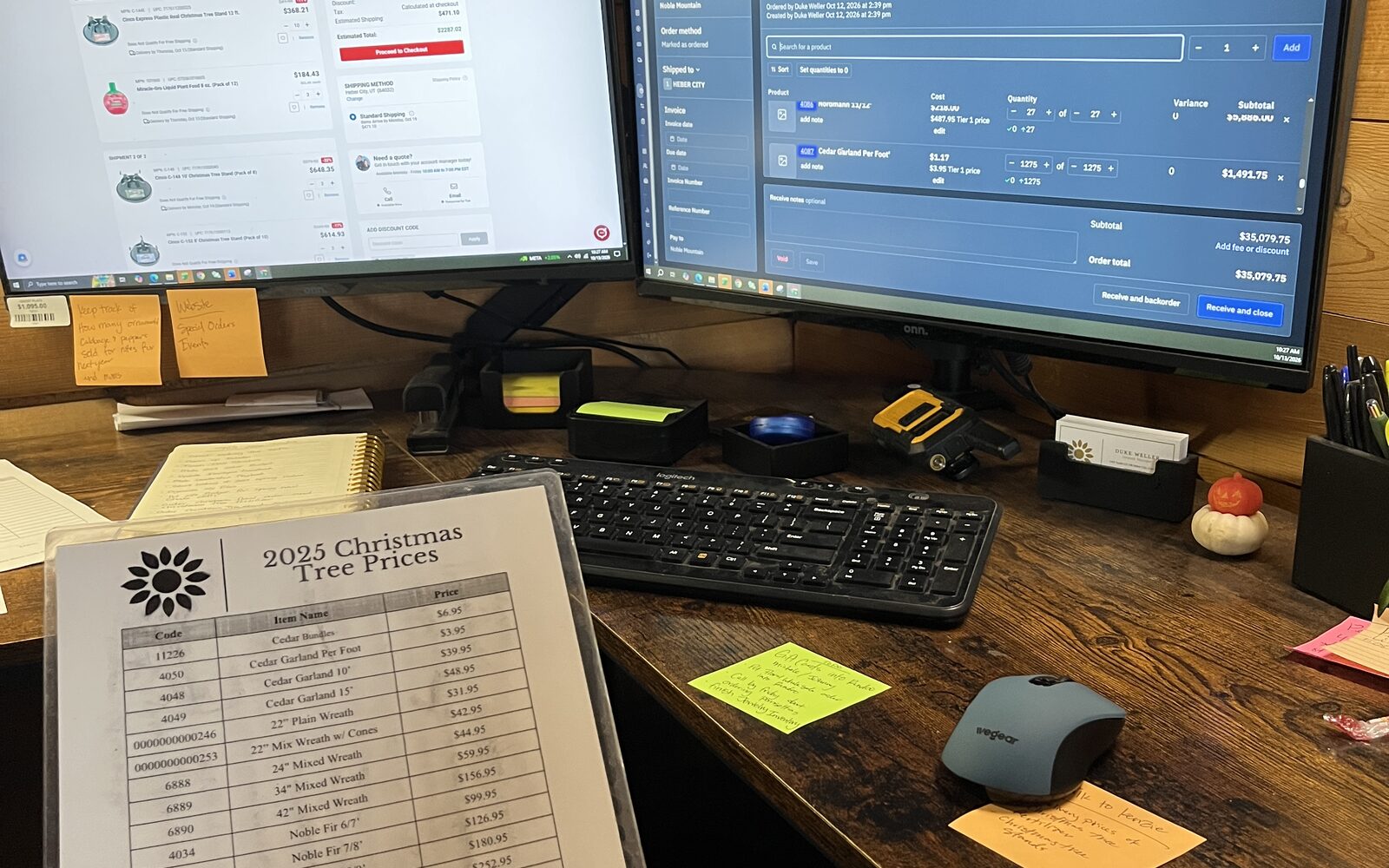
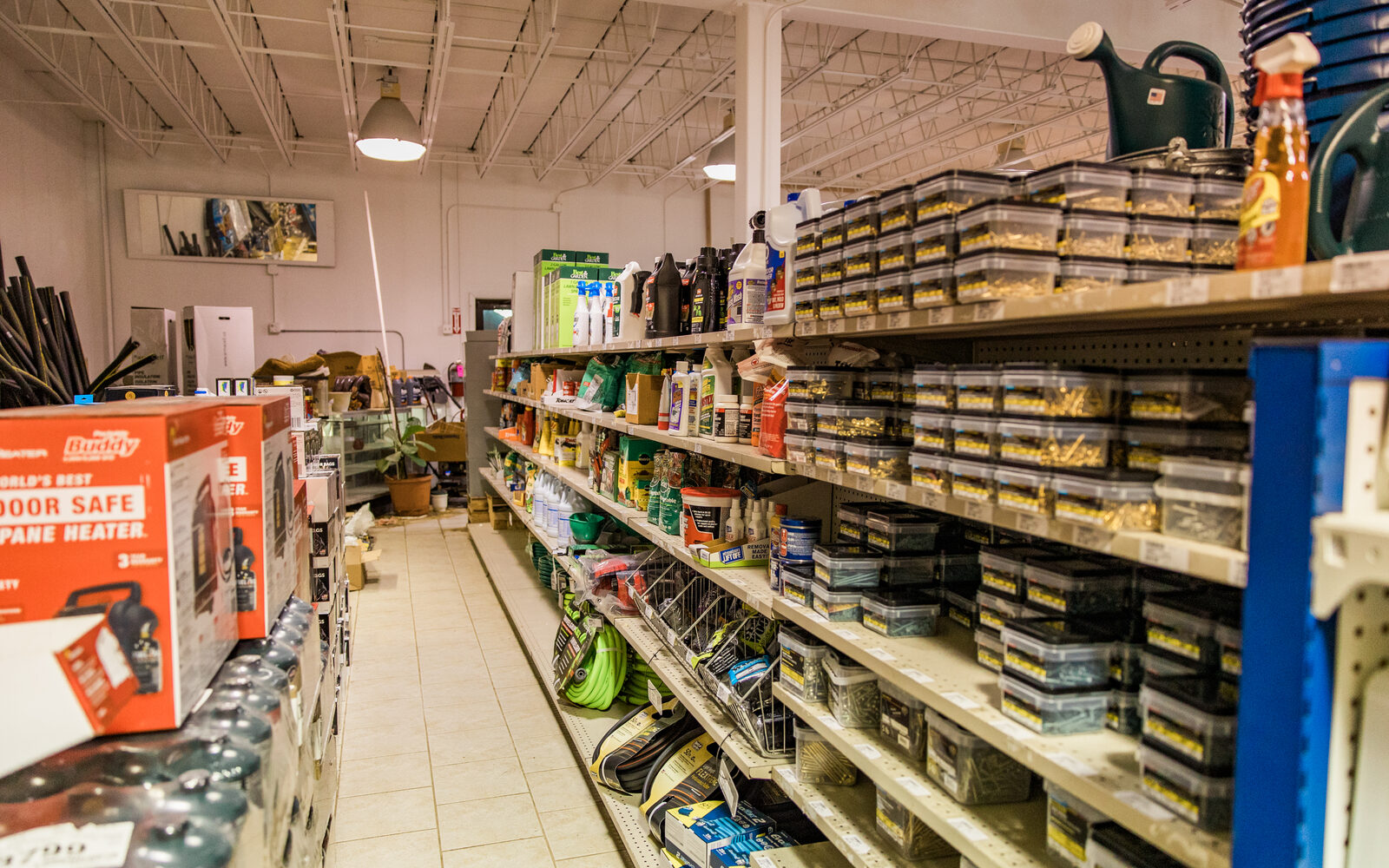
ABC analysis ranks every SKU in your store by annual dollar movement at cost (annual units sold multiplied by unit cost), sorts the list from biggest to smallest, and groups items into three classes: A items are the small share of SKUs driving most of your dollars, B items are the middle band, and C items are the long tail that takes up most of your shelf space but moves little money. It's the Pareto principle applied to your stockroom, and it exists so you can stop treating a brass knob with the same attention you give a 50 lb bag of layer feed.
The usual rule of thumb looks like this:
| Class | Share of SKUs | Share of annual dollar movement |
|---|---|---|
| A | Top 10 to 20% | Roughly 70 to 80% |
| B | Next 30% or so | Roughly 15% |
| C | Remaining 50% or so | Roughly 5% |
Those cutoffs are choices rather than laws, so if your store's natural break lands at 82% instead of 80%, draw the line there, because the shape of the curve matters more than the exact numbers.
How to run the analysis, step by step
You need two numbers per SKU, units sold over the last 12 months and your unit cost, and any spreadsheet will do the rest.
- Export 12 months of units sold and cost for every SKU.
- Multiply units sold by unit cost to get annual dollar movement.
- Sort the list descending, biggest dollar movement at the top.
- Add a running cumulative total, then convert it to a percentage of the grand total.
- Draw your first line where the cumulative percentage crosses about 80% (that's your A class) and your second line where it crosses about 95% (that's the bottom of B). Everything below the second line is C.
Use a full 12 months rather than a quarter, because a 3-month window taken in April makes ice melt look like a C item and mulch look like an A item, and both conclusions will cost you money come November.
A worked example with real store numbers
Here's a small feed and hardware store boiled down to ten SKUs, with one slow year on the mower belts. A real store has thousands of lines, so the class shares here are lumpier than the rule of thumb, but the method is identical:
| SKU | Unit cost | Units sold | Annual $ at cost | Cumulative % |
|---|---|---|---|---|
| 50 lb layer feed | $16.50 | 2,400 | $39,600 | 39.5% |
| Premium interior paint, gallon | $28.00 | 900 | $25,200 | 64.6% |
| 2x4x8 stud | $3.80 | 5,000 | $19,000 | 83.5% |
| Deck screws, box | $12.40 | 600 | $7,440 | 90.9% |
| Ice melt, 50 lb | $9.00 | 500 | $4,500 | 95.4% |
| Caulk, tube | $4.20 | 700 | $2,940 | 98.3% |
| Hose nozzle | $6.00 | 150 | $900 | 99.2% |
| Specialty hinge | $3.10 | 120 | $372 | 99.6% |
| Brass knob | $9.00 | 30 | $270 | 99.9% |
| Replacement mower belt | $14.00 | 10 | $140 | 100.0% |
Total annual movement is $100,362. Drawing the lines at 80% and 95% gives you:
- A class: layer feed, paint, and studs, three SKUs carrying about 83% of the dollars.
- B class: deck screws and ice melt, carrying the list to about 95%.
- C class: caulk, nozzles, hinges, knobs, and belts, half the SKUs and under 5% of the dollars.
Notice the studs. At $3.80 each they're one of the cheapest things in the store, but 5,000 units a year puts them firmly in A. Dollar movement earns the classification, whatever the unit price.
What to do with each class
The classification is only worth the spreadsheet time once it changes what you do on a Tuesday, and here is where it pays.
Counting. A items earn frequent counts because a discrepancy there is expensive. The standard ABC cycle count schedule counts A items monthly, B items quarterly, and C items once a year. Count the feed pallet every month; the brass knobs can wait for the annual count and they'll survive the suspense.
Reorder attention. A items get tight Min and Max levels, reviewed often, with real safety stock behind them, because stocking out of studs costs you a contractor's whole lumber list. C items get a looser Max and fewer reviews. Some owners pair ABC with an economic order quantity calculation on their A items to balance ordering costs against carrying costs, but even a disciplined Min/Max on the A class beats a gut-feel order on everything.
Vendor negotiations. Your A class tells you where your purchasing dollars concentrate, so that's where better terms, better dating, or a freight concession moves your margin. Getting an extra point on knobs is a hobby, while getting it on feed is a strategy.
Never stock out of A. This is the whole game, because a contractor who can't get his 2x4s from you twice in a month starts loading up somewhere else, and he takes his screws, caulk, and paint with him.
The tail of C. The bottom of your C class is where dead stock hides. The dead stock guide covers how to find that tail and clear it before it calcifies into a permanent display.
The traps that wreck an ABC analysis
Classifying by units instead of dollars. A bin of washers might move 8,000 units a year and $400. Sort by units and the washers outrank the paint, which is how you end up counting washers every month while the tint area drifts. Always sort on dollars at cost.
Forgetting that a C item can still be critical. The plumbing repair part a contractor needs at 7 a.m. on a burst pipe sells three times a year, but the store that has it owns that contractor. The same goes for anchor items that bring people through the door. The fix is a criticality override: after you classify, walk the C list and flag the items you never stock out of regardless of their dollars. Some operators add a second lens called XYZ, which classifies by demand variability (steady, lumpy, erratic), so an AX item gets tight controls while a CZ item gets a generous buffer or a special-order policy.
Using too short a window. Seasonality will lie to you, since ice melt in a winter-only snapshot looks like an A item; over 12 months it's a B. Use a full year, every time.
Classifying once and framing it. Your mix shifts, so reclassify every quarter, or at least twice a year, ideally right before you set Min and Max levels for the coming season.
Merging locations. If you run more than one store, classify each location separately. The garden center's A class and the lumber yard's A class are different animals, and averaging them produces a list that's wrong in two places.
New items. A product with two months of history has no annual movement. Give new SKUs a provisional class based on the closest comparable item, then let the real data reclassify them after a season or two.
Useful variants
The same math works on other measures. Classify by gross margin dollars instead of cost movement if you want to protect profit rather than volume; the list changes more than you'd expect, because your fastest movers are rarely your richest. Classify by number of transactions (hits) if you're laying out a warehouse or a pick path, because the item touched 4,000 times a year belongs within ten steps of the counter no matter what it earns. Operators running thousands of SKUs across departments often run both: dollars for purchasing decisions, hits for shelf placement.
How Rundoo handles it
The Inventory dataset in Rundoo's custom reports gives you the raw material for the analysis without the export gymnastics: annual units sold, on hand, on-hand value, and annual turns per product, groupable by location, department, or vendor, and downloadable as a CSV if you'd rather draw the lines in a spreadsheet. Each product's detail page also shows units sold, margin, and stock turns right above its transaction history, so the A candidates are easy to spot while you're working a purchase order. Once you've drawn your lines, Min and Max are set per product per location, and when on hand plus on order drops to or below Min, Rundoo suggests enough to bring you back to Max, rounded up to case quantity. For counting by class, Cycle counts can be scoped by product tag as well as by vendor, category, or product line, so tagging your A items lets you start the monthly A count in a few clicks, and the Staff app counts by camera scan with several counters working the same count at once.