Reward customer loyalty.
Keep customers coming back with points they earn and redeem for discounts at the register.
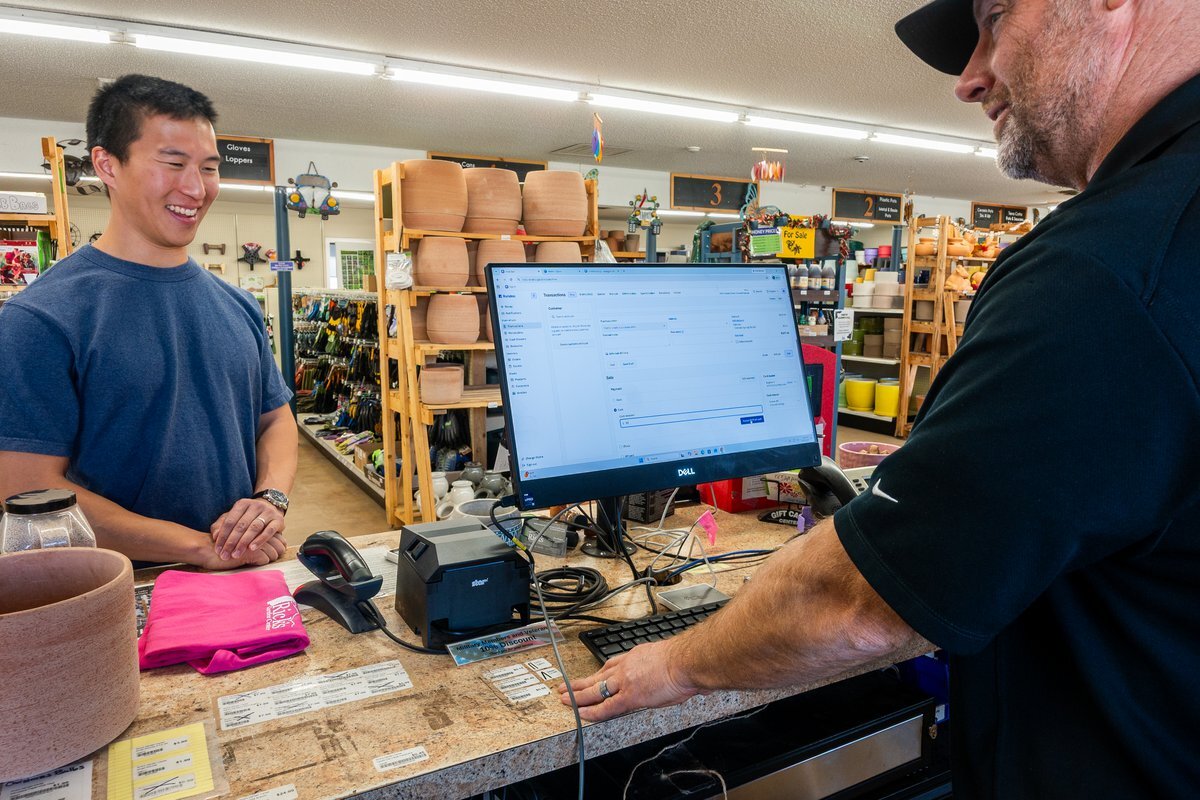
See how it works
Set it up your way
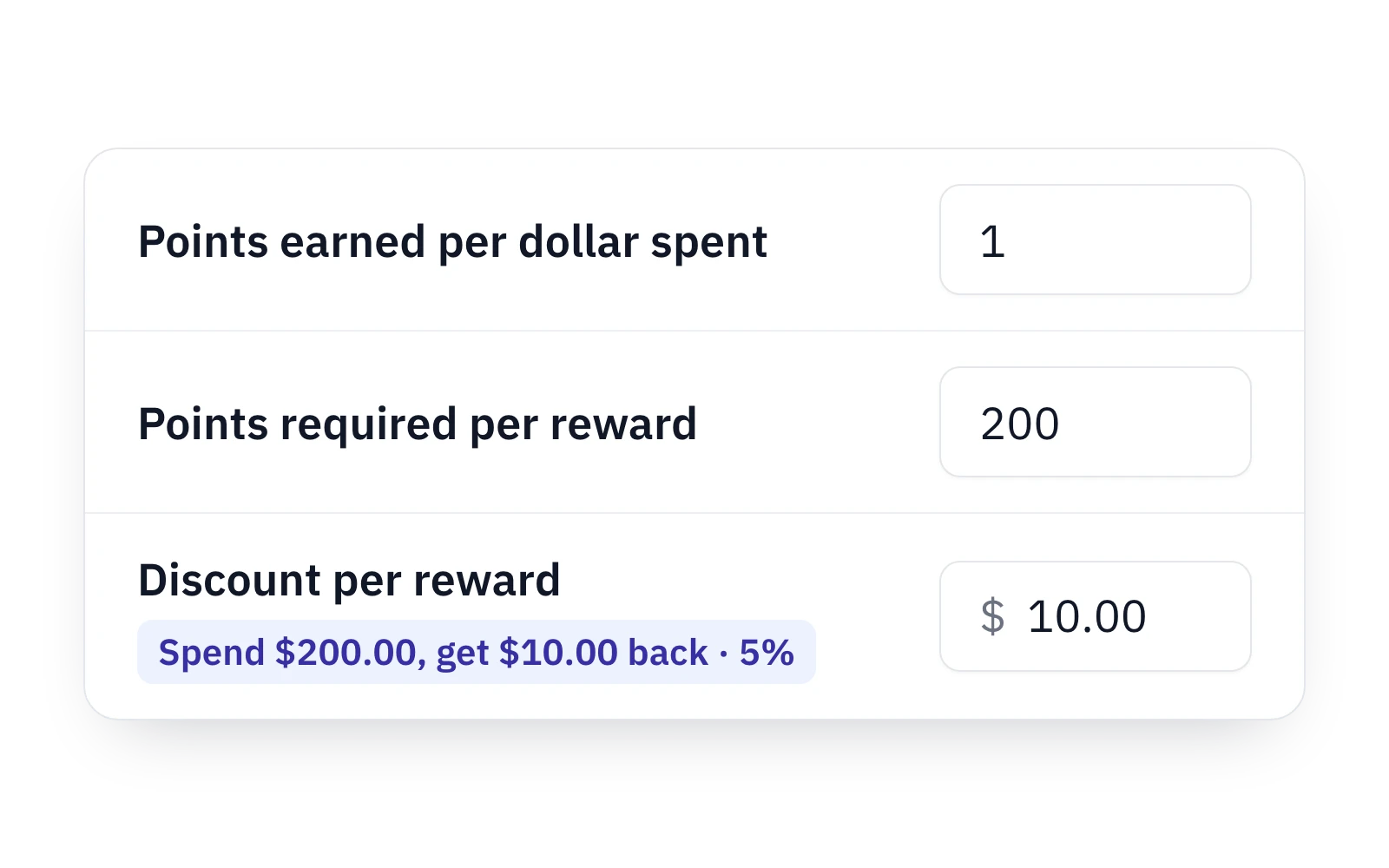
Set your rewards
Choose the points per dollar, the points per reward and what each reward is worth.
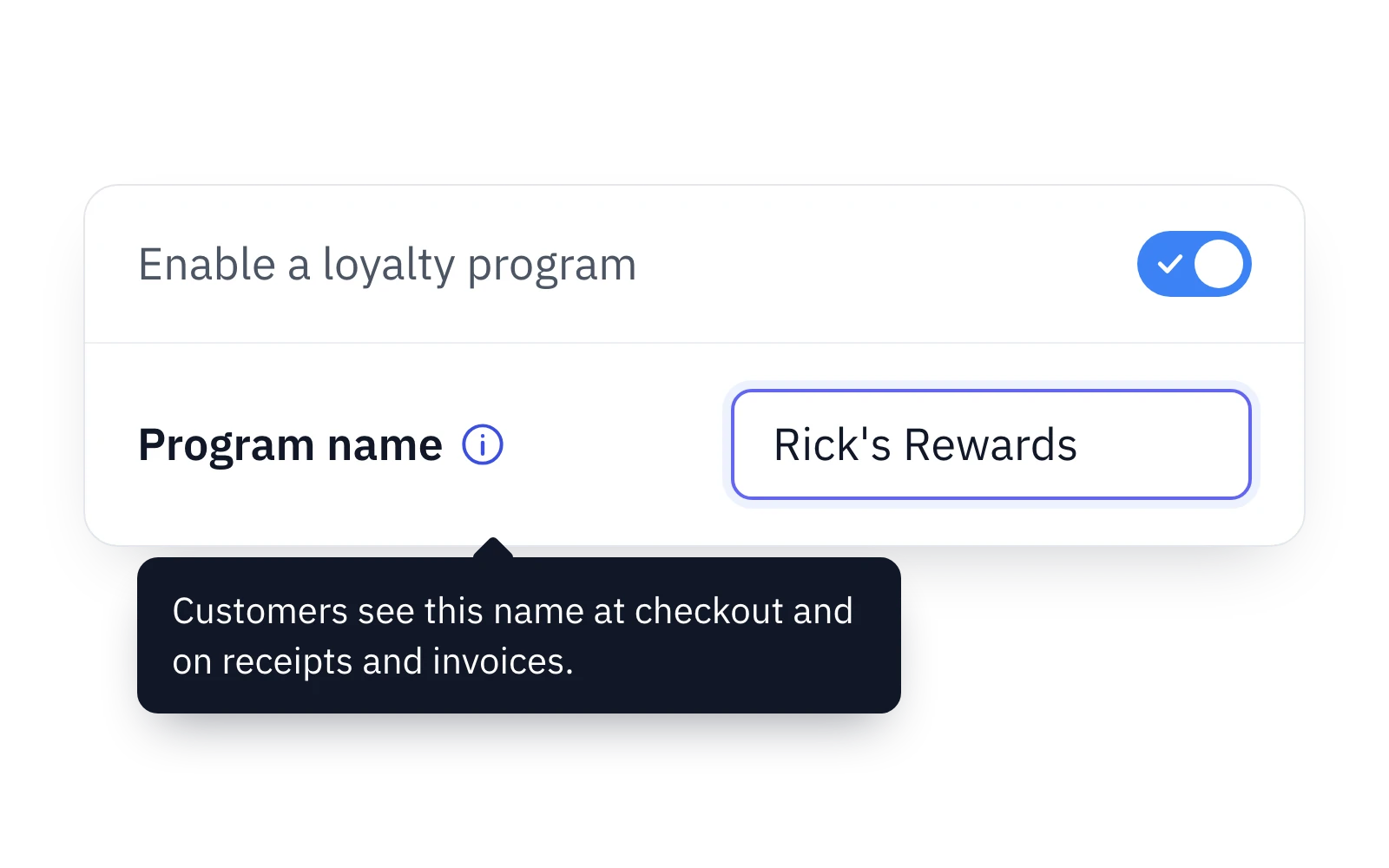
Brand your own program
Name the program after your store.
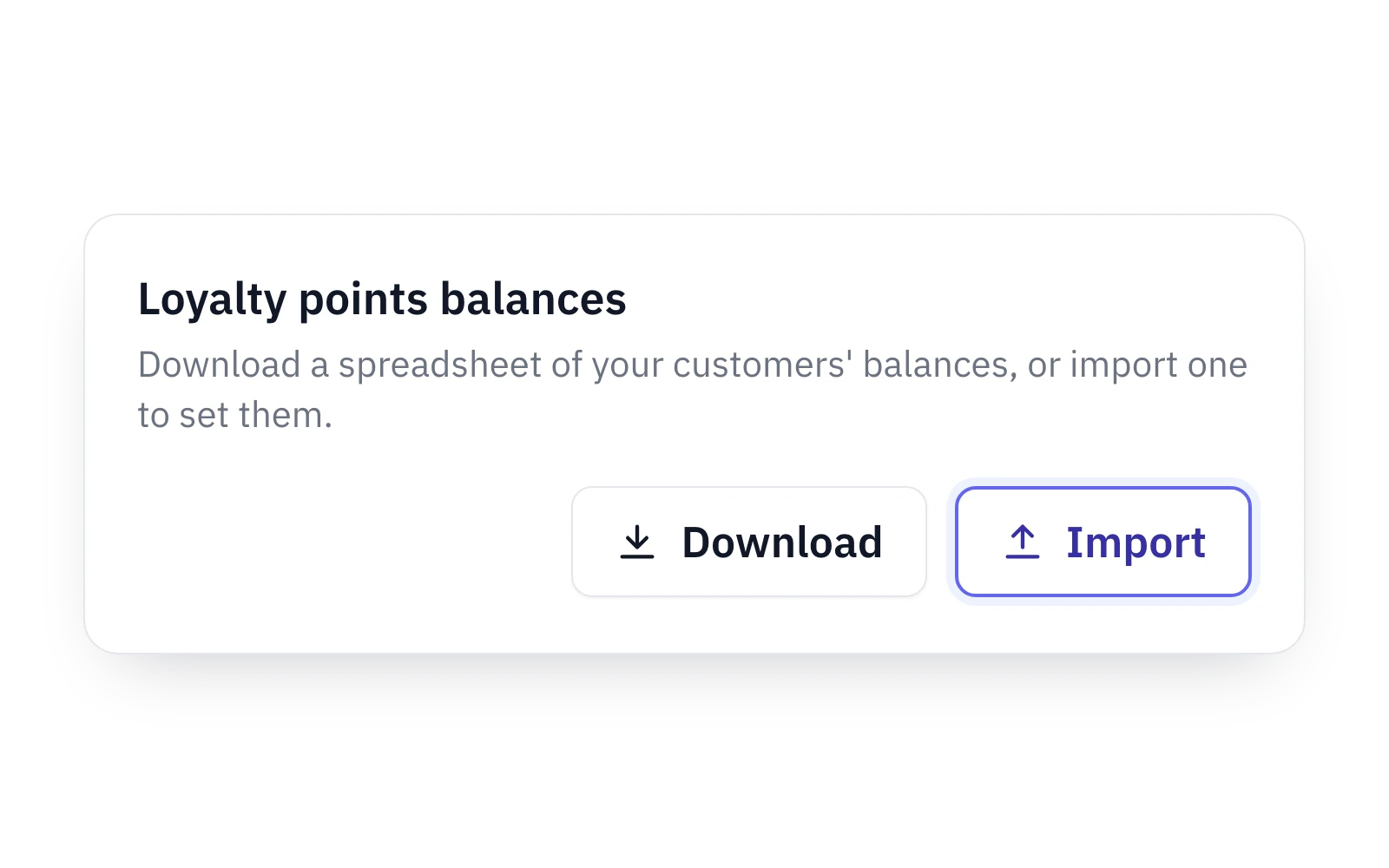
Transfer your customers' points
Bring your customers' points over from your old program.
Protect your margins
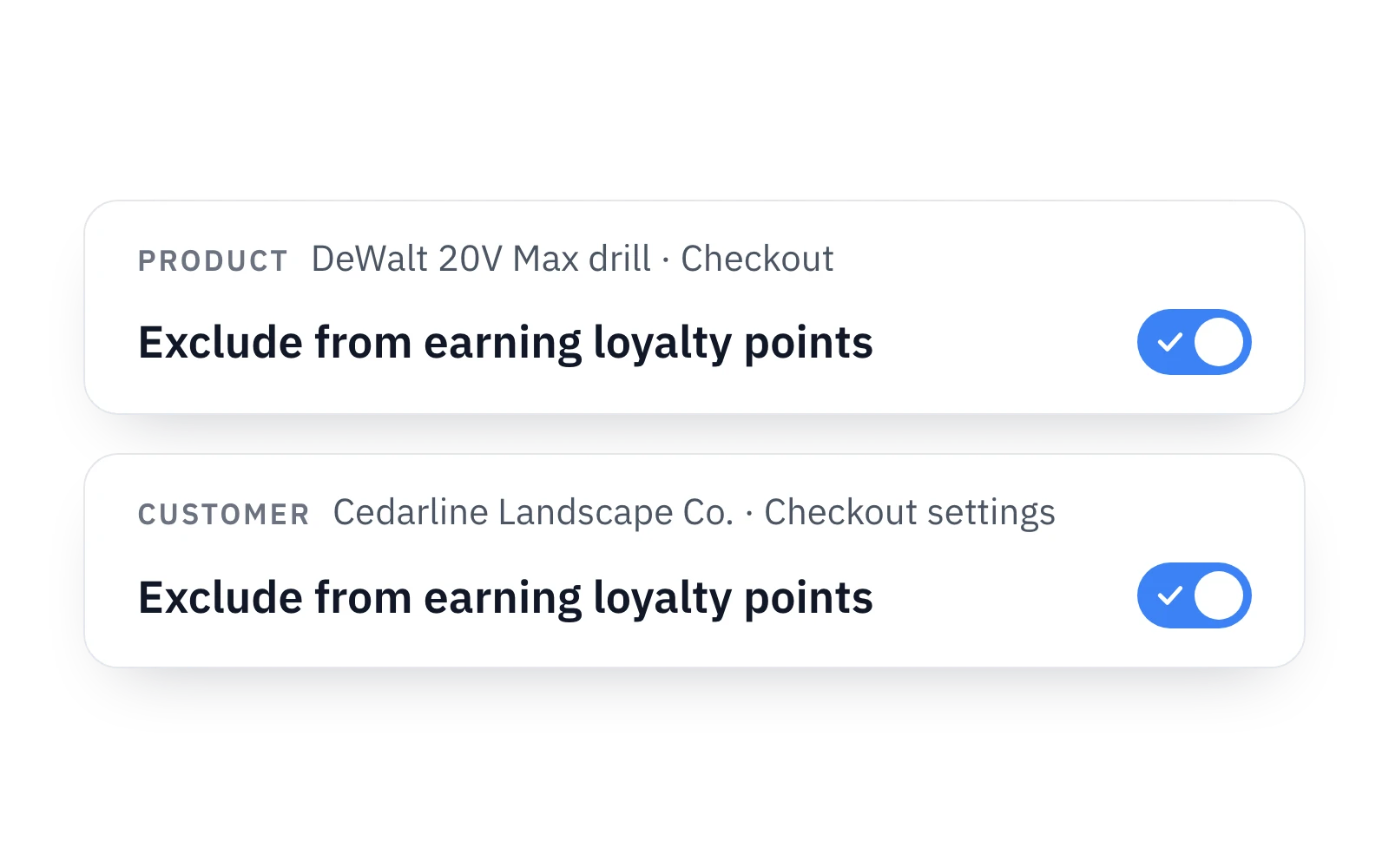
Exclude low-margin products and customers.
Dooey handles the back office work
Exclude a whole group in one ask
Ask Dooey
 Exclude customers on the Contractor price tier from earning points.
Exclude products tagged Power Tool from earning points.
Find customers to thank or win back
Ask Dooey
Which customers earned the most points last month?
Which customers have points that will expire in the next month?
Common questions
Who can change a customer's points?
Only staff you allow.
What happens to points on a return?
They're reversed.
Do points expire?
Your choice. Points can never expire, or expire after 3, 6, 12 or 24 months without activity.
Can customers see their points?
Yes, on receipts and in the Rundoo app.
Do you work with other loyalty programs?
Yes. Rundoo works with Astro and FanBuilder, with more to come.