Product · Labels and tags
Design and print any label from Rundoo.
Shelf tags, sticker labels and weatherproof tree tags.
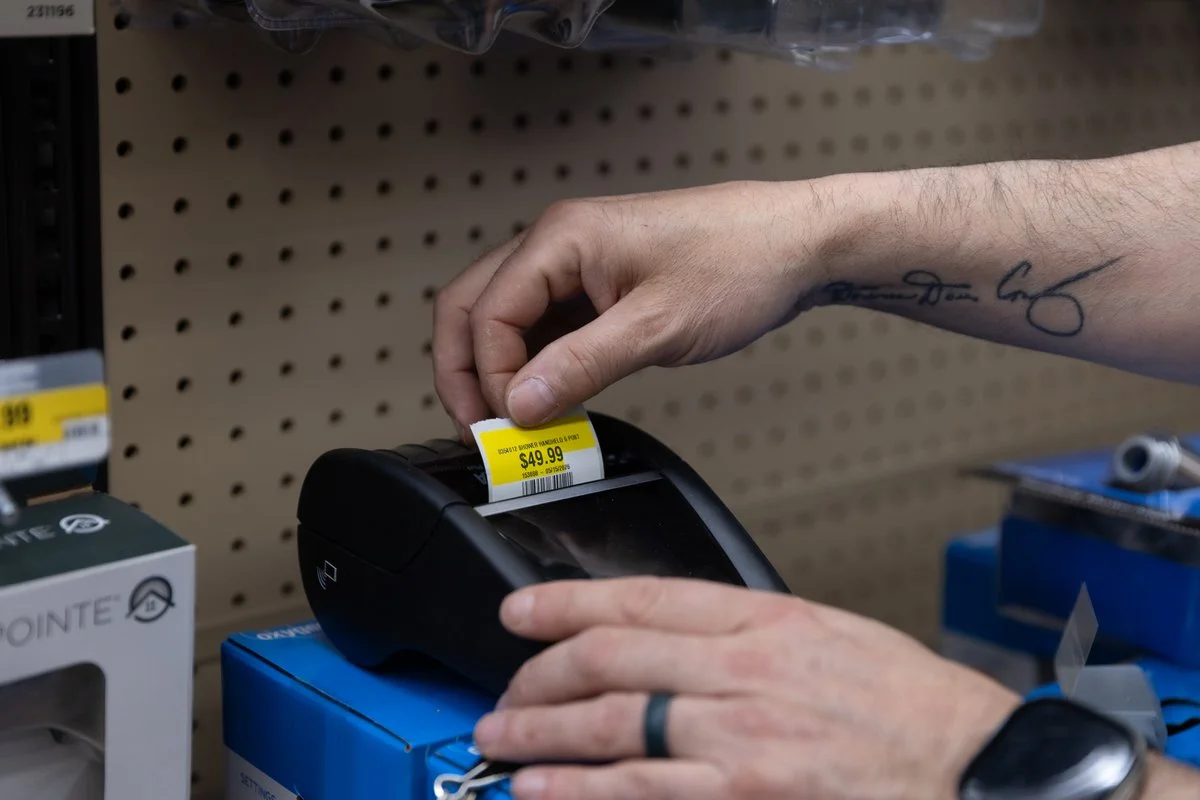
When you print
Print labels when you need them
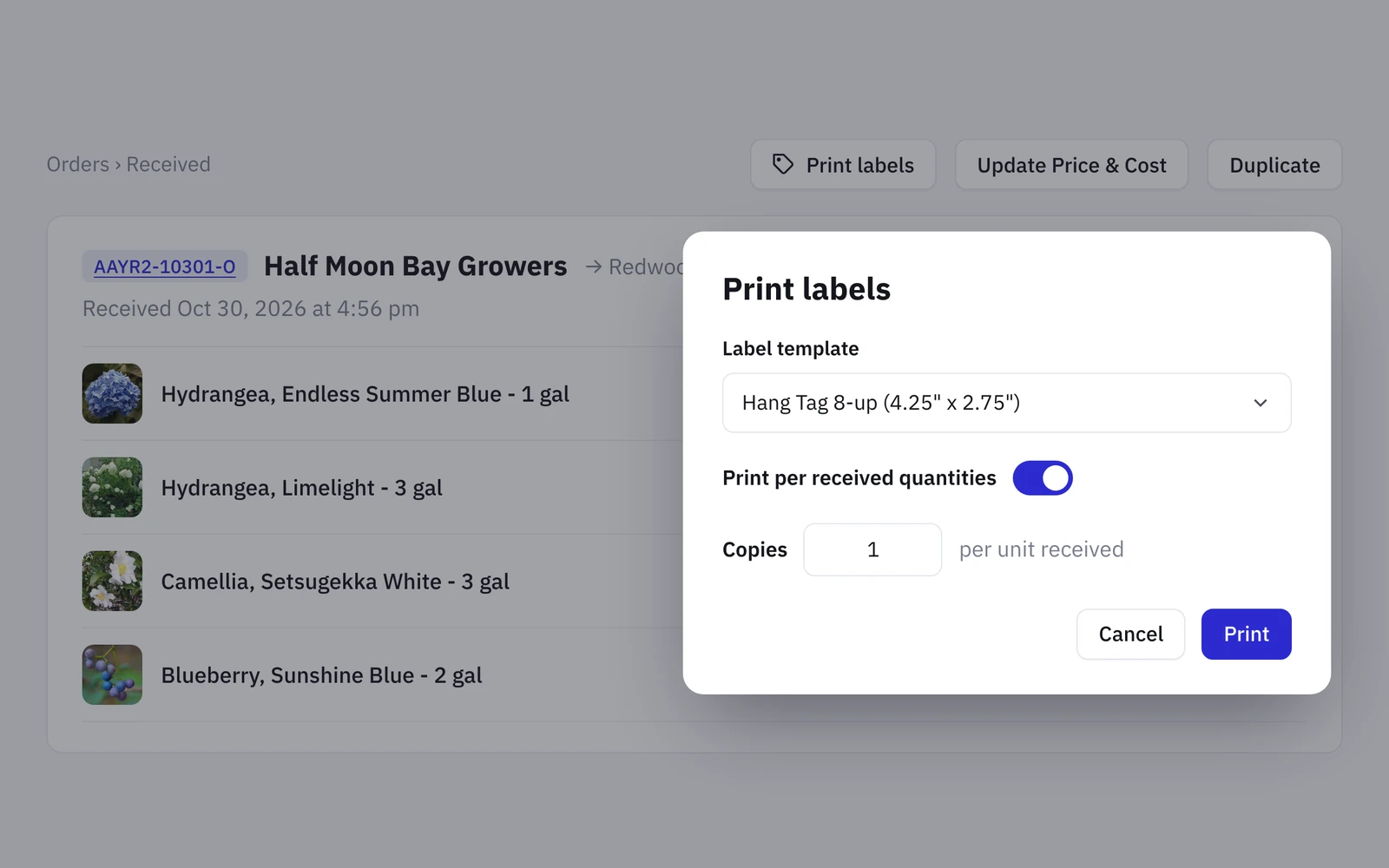
01 · Receiving
Print labels as you receive
Print labels when you receive a purchase order or a transfer. Rundoo prints one for each item you received.
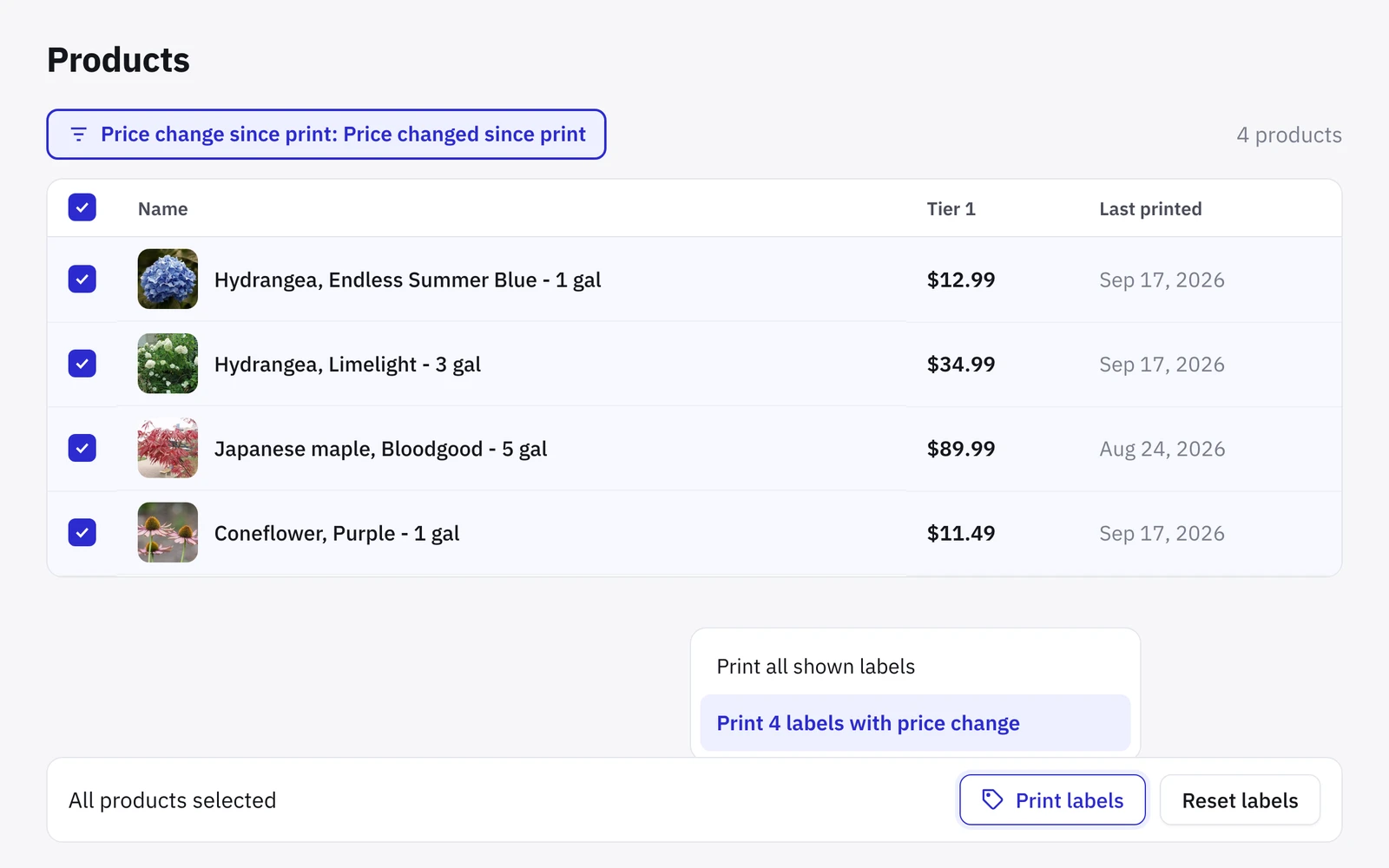
02 · Price changes
Reprint only what changed
When prices change, print new tags for just those products.
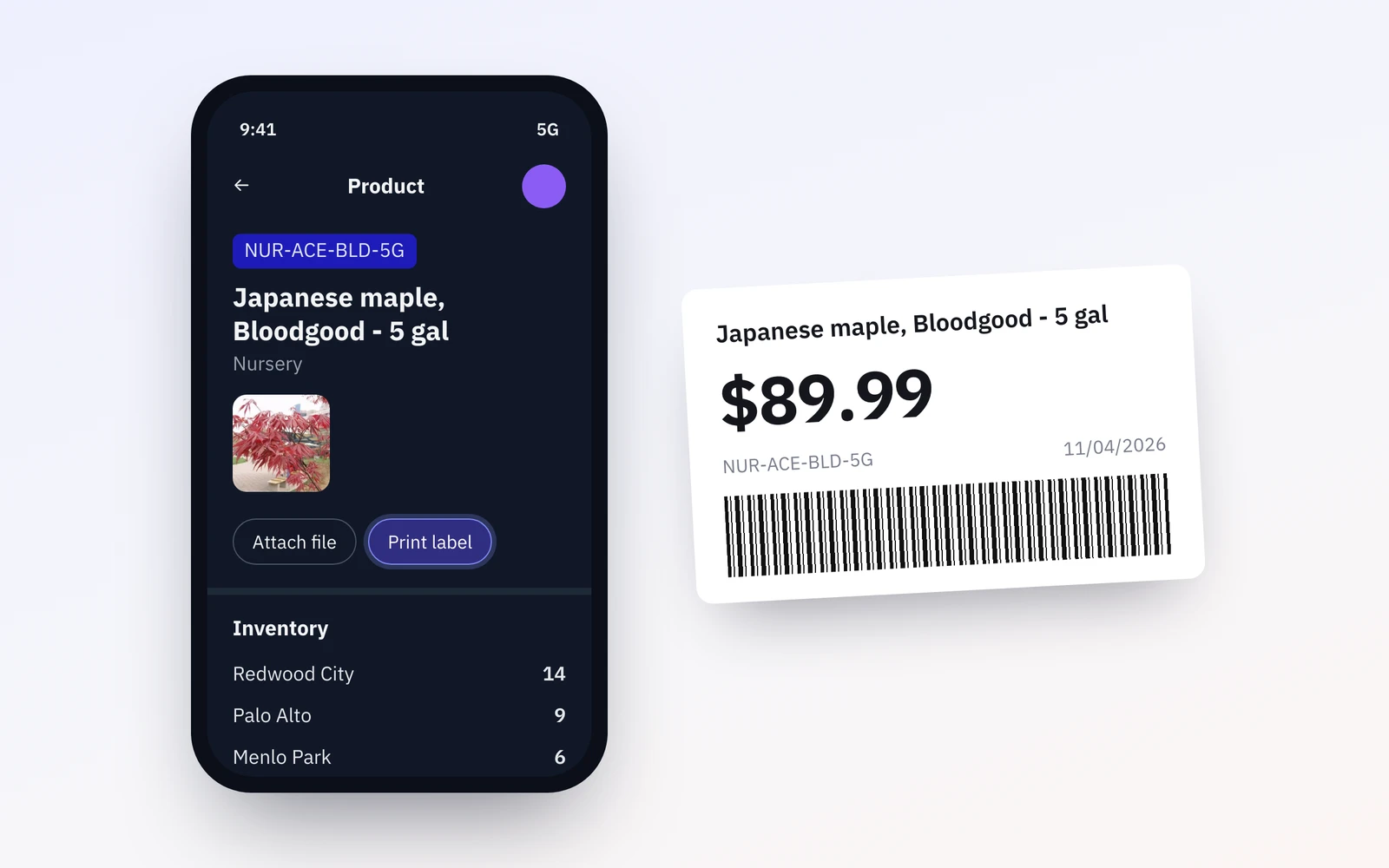
03 · Missing tags
Print a missing tag from your phone
See a missing tag? Scan the product with your phone and print a new one.
What you print
Print the labels you want
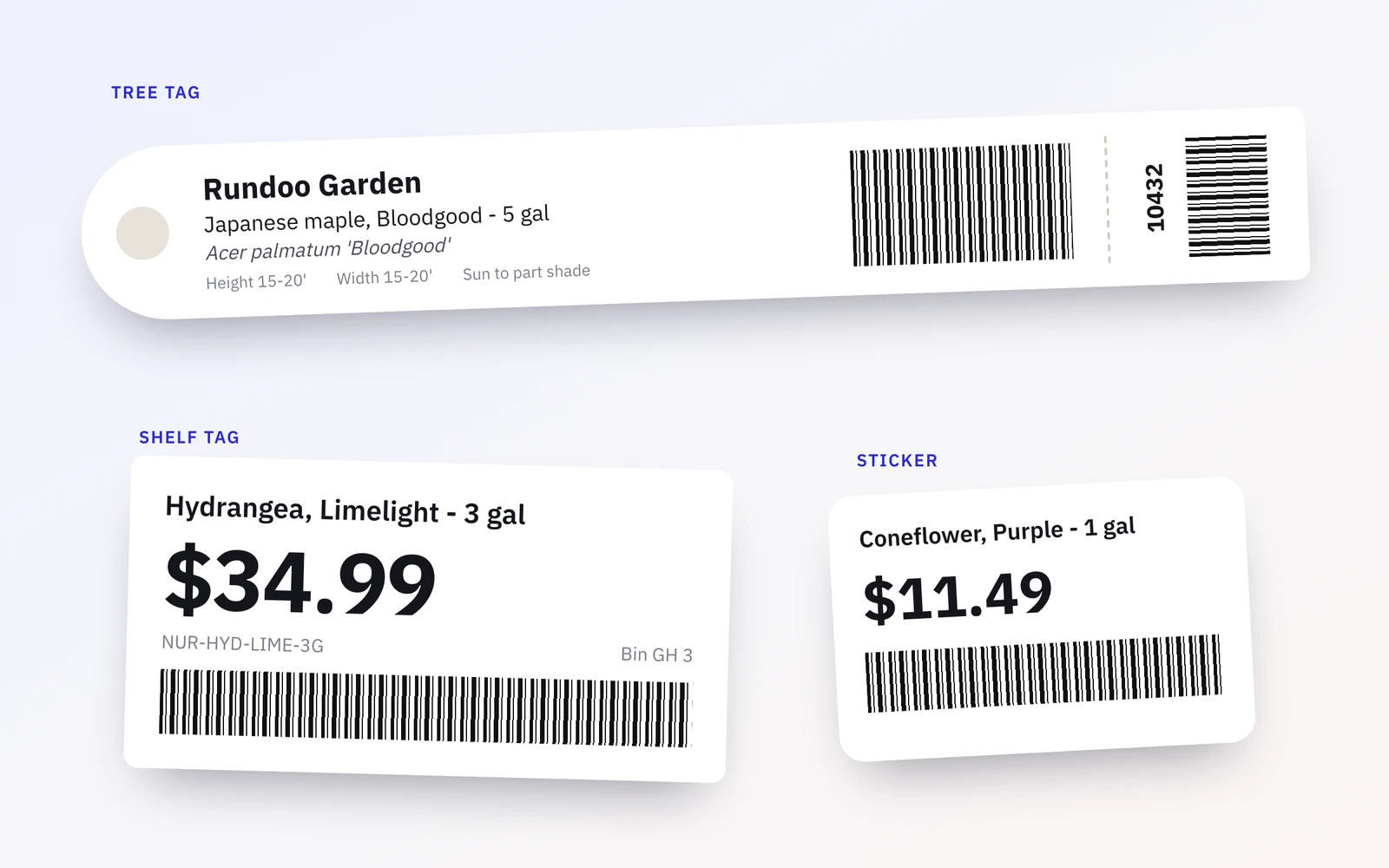
Custom designs
Design your own labels, including weatherproof tree tags. Pick the fields, the barcode and the size.
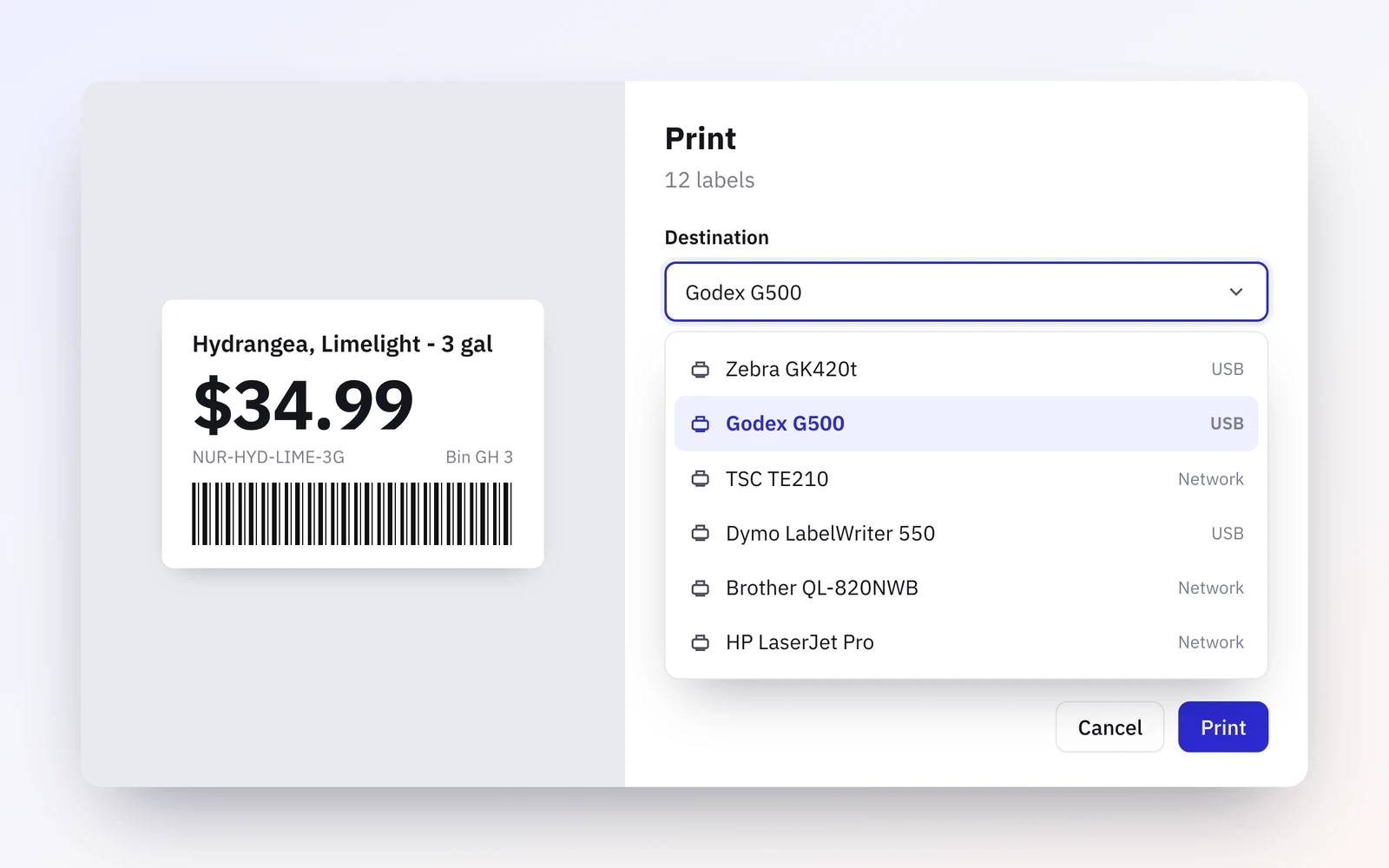
Your printer
If your computer can print to it, Rundoo can too. Label printers, office printers and the one you already own.
Don't take our word for it
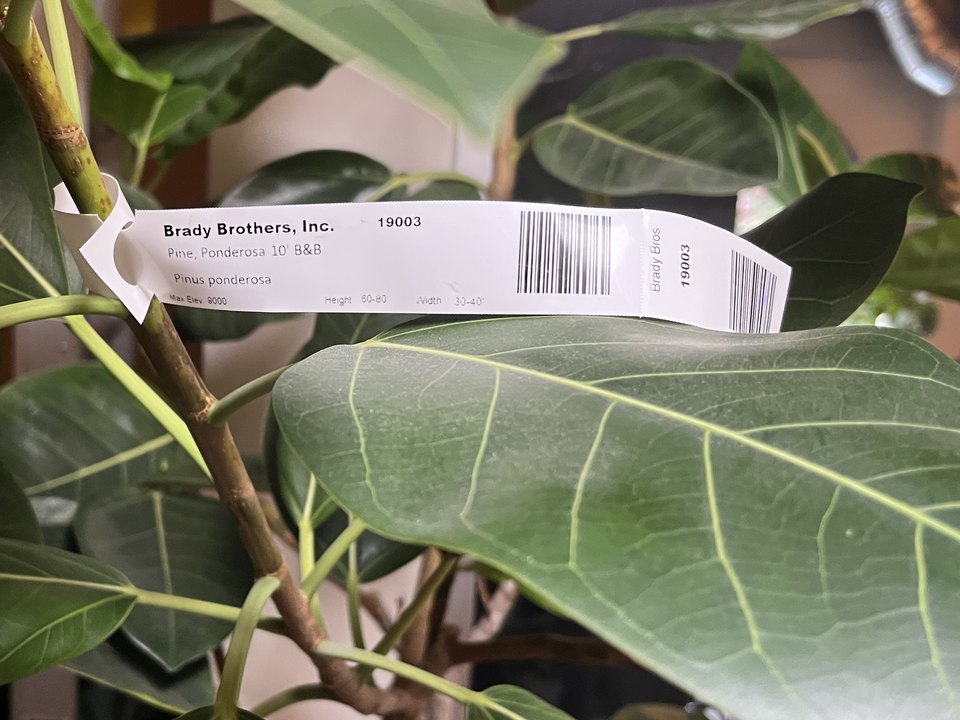
Our tree wrap tags line up better than we've ever been able to get them to. They never lined up before; they were always off.
On both the hardware and software side, the template designer you have for the individual bin tags is really nice.
The EDI worked great for updating pricing, and letting us print labels for any price changes.
Common questions about labels and tags
Do I need a new printer?
Probably not. Rundoo prints to most printers your computer can use. If you're not sure, email us at support@rundoo.ai.
What printer do I need for weatherproof labels or tree tags?
A thermal transfer printer, like the Zebra ZD421t or ZT231.
Which mobile printers work?
Zebra mobile printers that pair when you tap your phone to them. We've tested the ZQ521 and ZQ620 Plus.
Can I print labels for a transfer?
Yes, after the transfer is requested, sent and received.
Show us a tag you print today.
We'll set it up in Rundoo and print it on your printer.