Product · Deliveries
From the sale to the signature.
Schedule from the sale, hand drivers their stops, and keep customers posted.

01End to end
One delivery, start to finish.
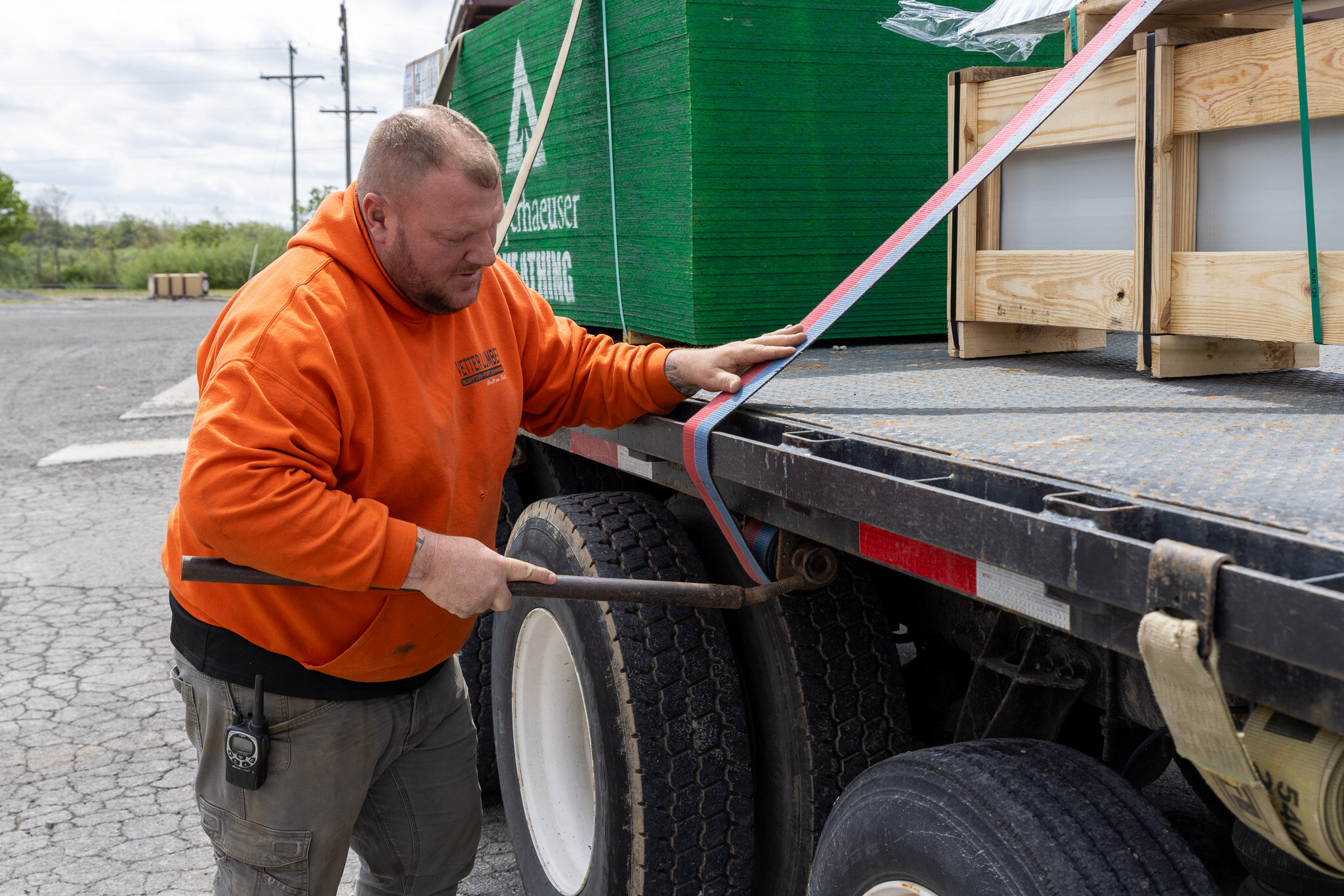
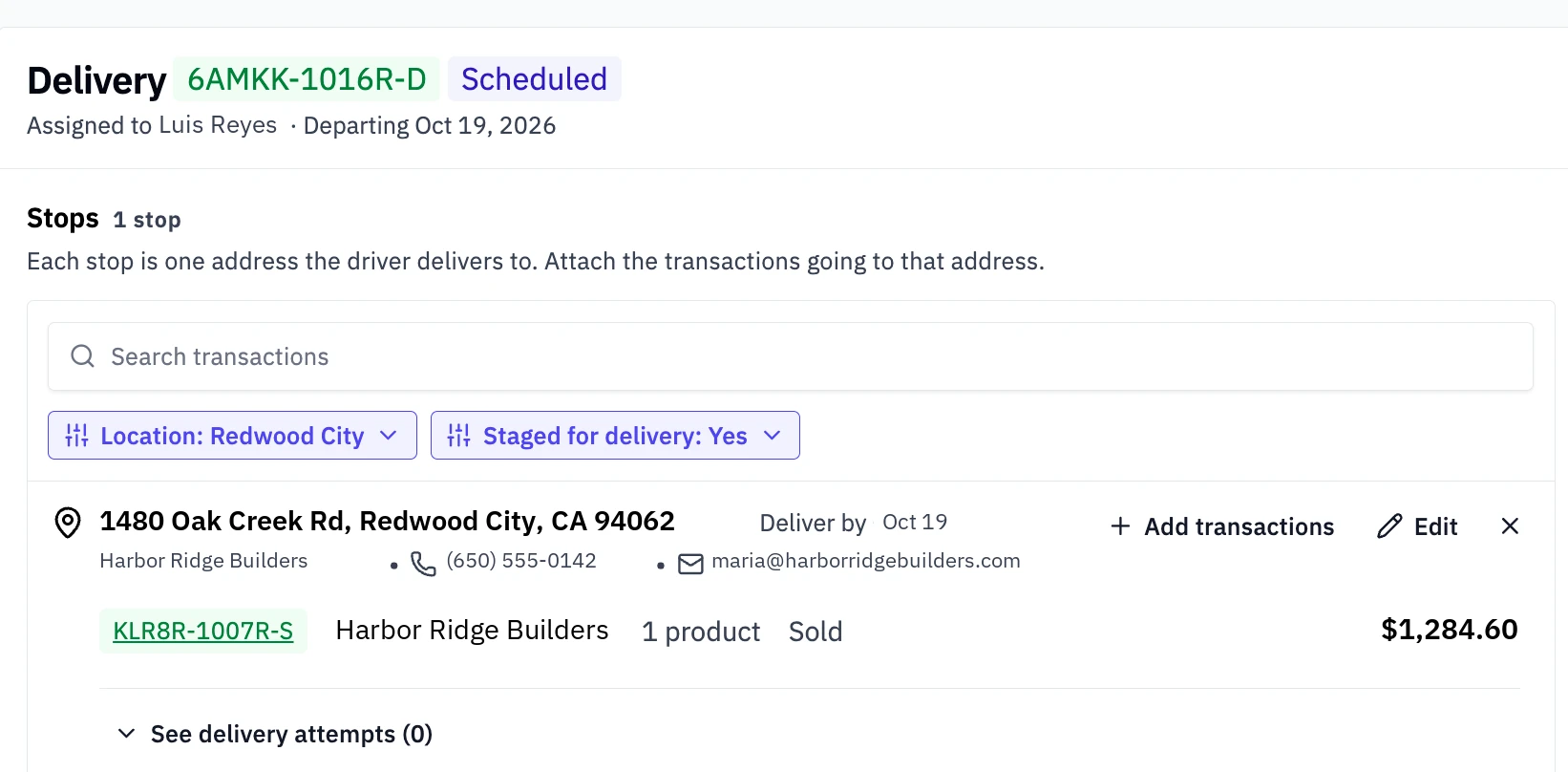
The delivery starts on the sale and ends with a signature at the door. A delivery is one truck's trip; each address on it is a stop.
- Schedule the delivery from the sale, at checkout or after
- Tax at the store's rate or the delivery address's rate, set once per location
- Attach it to a delivery on the calendar, or start a new one
- Deliver it, with the stop's address, contact, and instructions on the ticket
- Collect proof of delivery: who received it, a signature, photos
"We're really liking the delivery scheduling. Being able to do all that on one app eliminates that two-step process."
02Mobile delivery
Drivers run their stops from the phone.
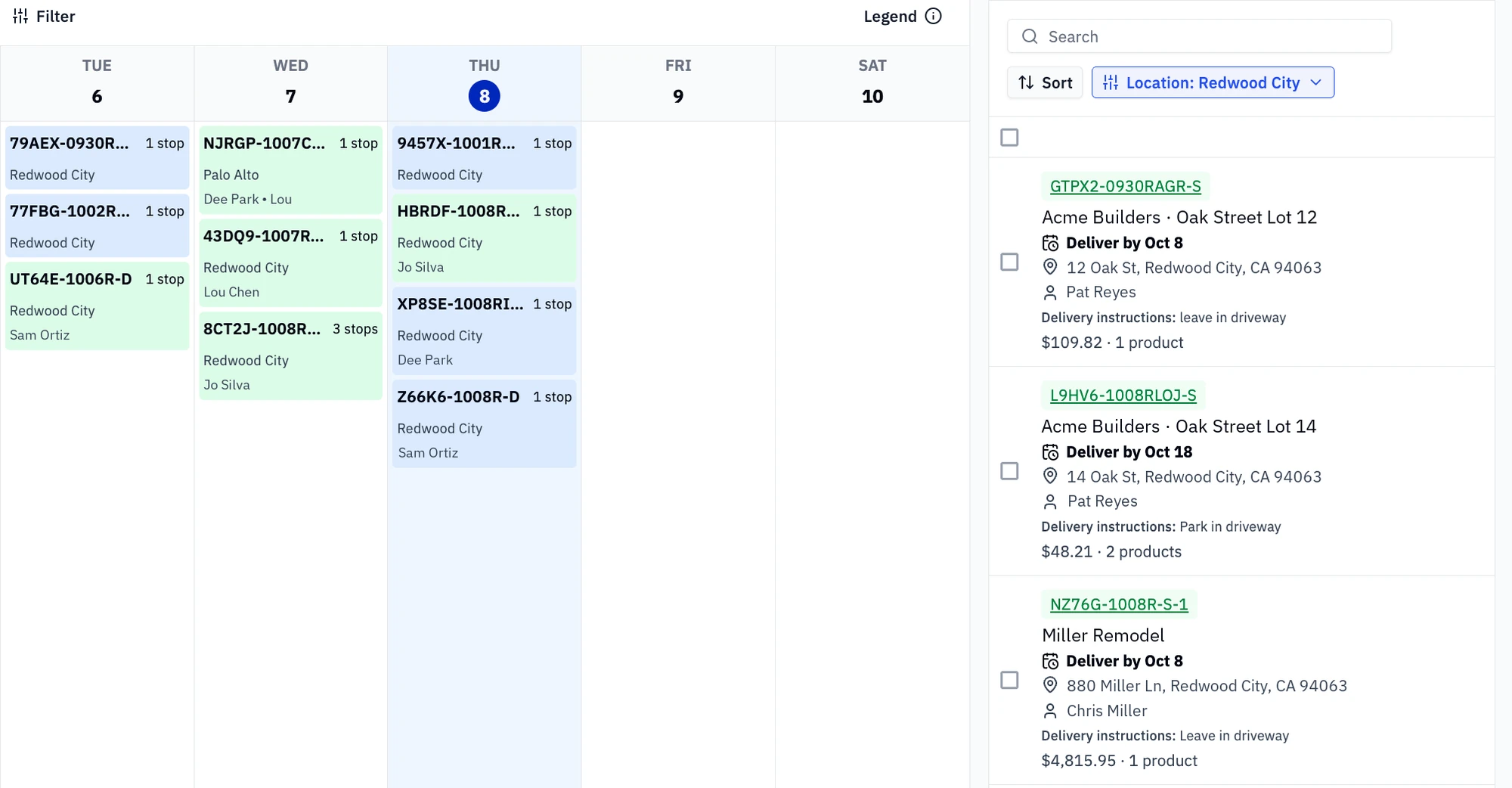
Staff with the Deliveries permission see their deliveries in the Staff App. Nothing to print.
- Today's stops in order, with the contact and instructions
- Navigate to the stop straight from the app
- Mark the stop loaded, in progress, delivered
- Collect a signature and photos at the drop
- Mark a failed attempt with a note; the stop stays on the board
"The delivery feature is way wicked. I love it, and now I want to build off of it."
03Notifications
Customers hear it from you, before they ask.
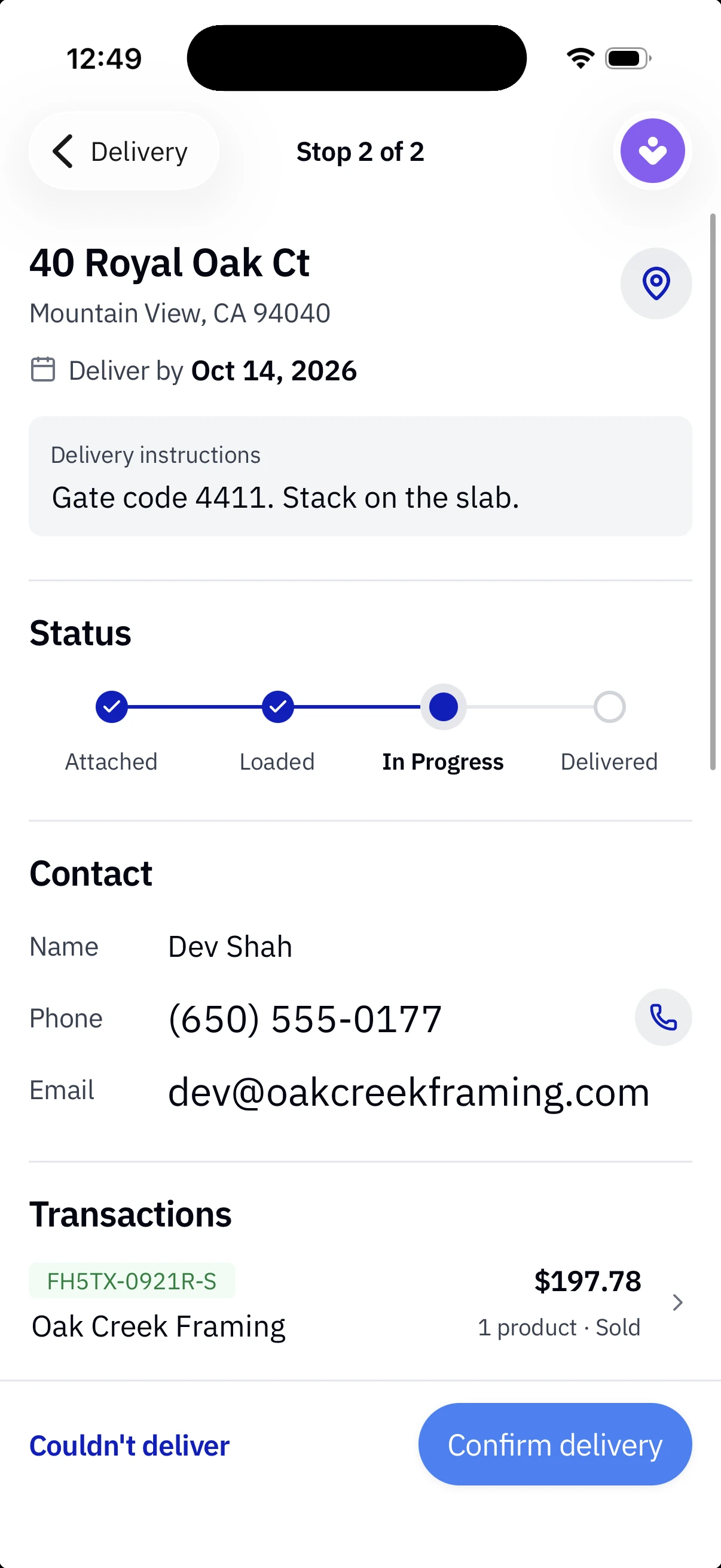
A text or an email to the contacts on the stop, sent by Rundoo at every step.
- When the delivery is scheduled, with the date
- When the load is being prepared
- When it's on its way, and when it's delivered
- Email or SMS, by each contact's preference, with the sale numbers on it
-
01
Scheduled
"Your delivery from Sierra Lumber has been scheduled for Oct 19, 2026."
-
02
Being prepared
"Your delivery from Sierra Lumber is being prepared."
-
03
On its way
"Your delivery from Sierra Lumber is on its way."
-
04
Delivered
"Your delivery from Sierra Lumber has been delivered."
04Dooey
Dooey builds the delivery.
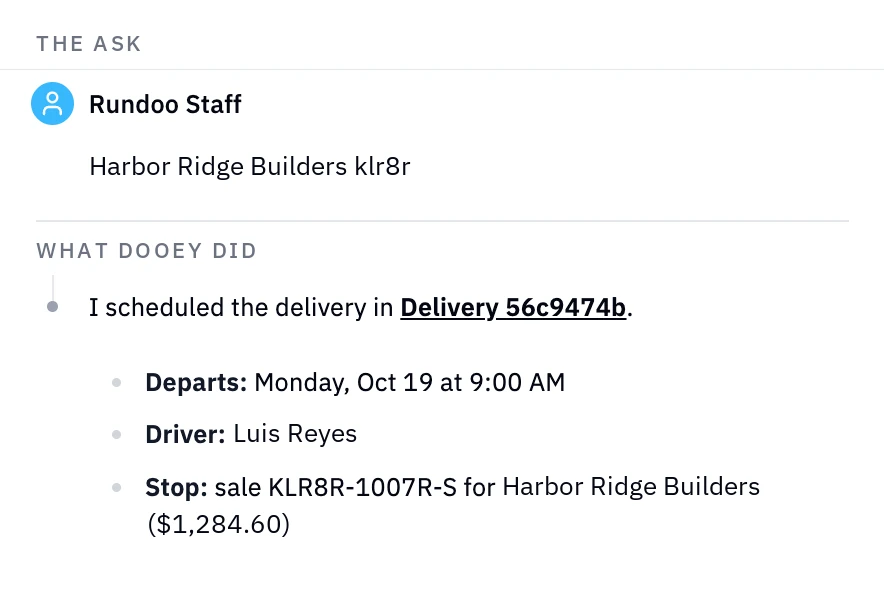
Ask Rundoo's AI assistant for a delivery. Dooey finds the sales, builds it, puts the stops in drive order, and opens it beside you for review.
- Schedule a delivery from a list of sales, or attach a sale to one already going
- Routing optimized, stops in drive order
- Change the driver, the day, or a stop's instructions by asking
- Report on deliveries by driver, day, and status, and how many stops each one carried
Frequently asked questions
Can one sale ship in several deliveries?
Can one truck carry several customers' orders?
What app do drivers use?
What does the customer get?
Does Rundoo optimize the route?
RoadmapWe're exploring payment at the door as part of the delivery. Product direction; scope and timing may change.
Bring us a week of delivery tickets.
Three customers on one truck, a gate that was locked, and a contractor asking where the load is. We'll run it live.