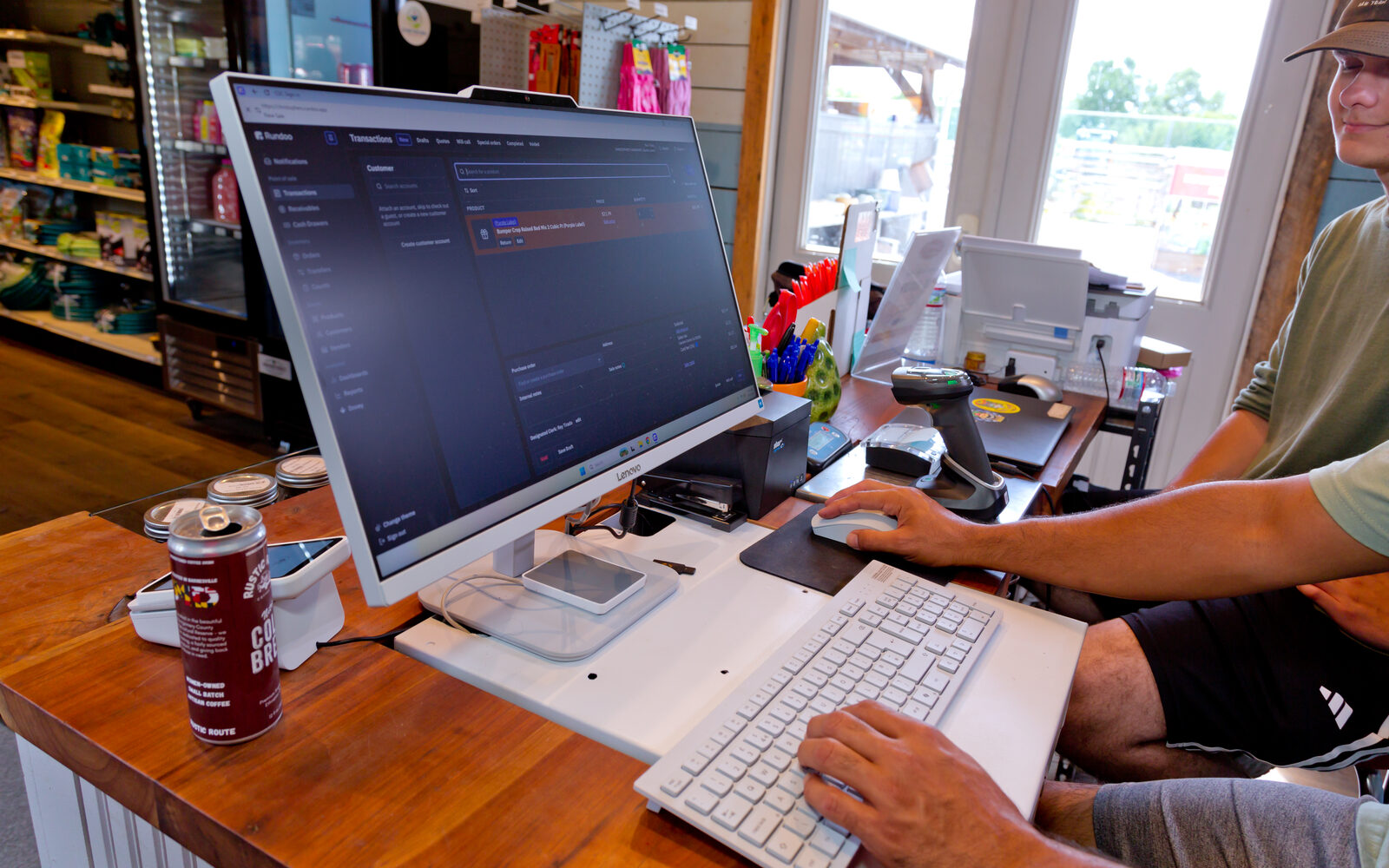
Every store owner asks the same question before switching, and it deserves a plain answer: when you move to Rundoo, we migrate your products and pricing, your customers and contacts, your sales history, your vendors, your inventory and costs, your special pricing tiers, your customer and accounts receivable balances (the money your charge customers owe you), your statement settings, and your tax-exempt IDs. We can't promise a clean extract from every system ever built, but we pull this off over 90% of the time.
Customers and AR: the part people worry about most
For a supply store, the customer file isn't a mailing list, it's the business. Charge accounts, credit limits, finance terms, and the balance every contractor is carrying into next month all have to arrive intact, which is why we map contractor accounts, AR balances, special pricing tiers, statement settings, and tax-exempt IDs as part of every migration, and why final data pulls are timed so there's no gap in customer charges between the last day on your old system and the first morning on Rundoo.
That timing matters more than people expect. Your team gets a test environment loaded with your real data weeks before the switch, and you're encouraged to click every button and break things on purpose, but all of that test data is deleted before go-live, and the night before, a final pull brings over the numbers that move daily: product inventories, customer balances, and the day's last sales. Day one starts from the freshest possible snapshot, so the balance a customer sees on their first Rundoo statement is the balance they owe.
Inventory and costs: counts, not just catalog
Products come over with their pricing, and inventory comes over with its quantities and costs, including the awkward stuff like negative on-hand numbers that need a fix before go-live. During the "unveiling," your first look at your data inside Rundoo, you sort the product list by units sold and check pricing tiers and costs on your top sellers, then sort by inventory to confirm on-hand quantities and surface any rows that look off. Department, class, and fineline assignments, UPCs, and units come along too, so the shelf and the screen agree from the first scan.
Tax: the least taxing part of the switch
Tax-exempt customers are a daily reality for stores selling to farms, contractors, and municipalities, so exemption IDs are part of the standard migration rather than a special request. During review, you pick a tax-exempt customer and walk their settings end to end, and tax exemptions get checked again on go-live morning. It's a small pun and a smaller miracle, but the least taxing part of the whole switch genuinely turns out to be the tax settings.
Sales history: your past comes with you
Historical sales transfer as part of the standard pull, which matters for two reasons. Practically, it means a customer's purchase history is at the counter on day one when someone asks what paint they bought last spring. Strategically, it means the reporting and AI layers have a real baseline to work from, instead of starting your store's memory over from zero.
How it all gets verified before you go live
A migration you can't verify is just a promise, so verification is built into the process at two points. First, at the unveiling, you and your implementation manager sort and filter the customer, product, and vendor data together: confirming your top five to ten customers look right, filtering to your charge customers to check finance terms, finance charges, and credit limits, and spot-checking balances on your largest accounts.
Second, on go-live morning, your implementation manager gets on a call about 30 minutes before opening and runs a final top-to-bottom data check. The go-live checklist covers, among other things:
- Customer balances and credits
- Statement settings, including finance terms, finance charges, and statement types
- Pricing tiers and tax exemptions
- Inventory levels, sales year-to-date, and UPCs
- Departments, classes, and finelines
- Vendor details and any draft purchase orders
Only after that pre-flight does the store open, which is why go-live day tends to feel less like a leap of faith and more like a well-packed delivery truck backing up to the dock.
What transfers from your specific system
The exact pull depends on where your data lives today. Our switch guides break it down system by system: the Square and Clover parsers bring over products, customers, sales history, vendors, inventories, pricing tiers, and product categories, and the Lightspeed parser covers both the R-Series and X-Series data exports. The one-click difference is real; S&T Farm Supplies saw month-end statements collapse to a single click.
One rule for supported data: bring it over exactly as it was
The migration is built around fidelity: for the data your source system can export and the relevant parser supports, the goal is to bring products, customers, pricing, vendors, account balances, accounts receivable, and source-specific records over exactly as they live in your old system. Gift cards and loyalty history depend on the system you are leaving, so confirm those on the relevant switch guide or with your implementation manager. If you want to restructure your pricing or clean up a tangled category tree, that work belongs in your old system the week before cutover, because on day 1, you should change nothing. Your team should walk in to a store they already recognize, just running on better rails.
What happens when you switch covers the process wrapped around the data, from the dedicated implementation manager to training and the first two weeks after go-live. The sentence store owners most want to hear holds from the first pull to the final check: your data is not a hostage, it's a passenger.